NEWS · Apple How-To

How to Get Replacement AirPods Max Ear Cushions and Change Them Out

How to Get Replacement AirPods Max Ear Cushions and Change Them OutThursday February 4, 2021 10:20 AM PST by Juli CloverIf you need replacement ear cushions for your AirPods Max either due to damage to the existing cushion or to h

vinkoweb · Oct 28, 2026 · 2 views
How to Get Replacement AirPods Max Ear Cushions and Change Them Out
Table of Contents
  1. 1. How to Buy New Ear Cushions
  2. 2. How to Swap Out AirPods Max Ear Cushions
  3. 3. Popular Stories
  4. 4. Crackgate? iPhone Duo Owners Report Screens Breaking Along the Hinge
  5. 5. Apple Music Has a Hidden iPod You Can Play With
  6. 6. iPhone Duo Fails JerryRigEverything's Dusty Durability Test
  7. 7. Next Article

How to Get Replacement AirPods Max Ear Cushions and Change Them Out

by Juli Clover

If you need replacement ear cushions for your AirPods Max either due to damage to the existing cushion or to have another color option, there's good news -- as of January, Apple is selling replacements.

How to Buy New Ear Cushions

Ear cushions can be purchased from Apple's online site for $69, and that price point includes both the left and right replacement cushions.

airpods max ear cushions
Apple sells ear cushions in all of the available AirPods Max colors so you can get the same color you had before or experiment with new color combinations.
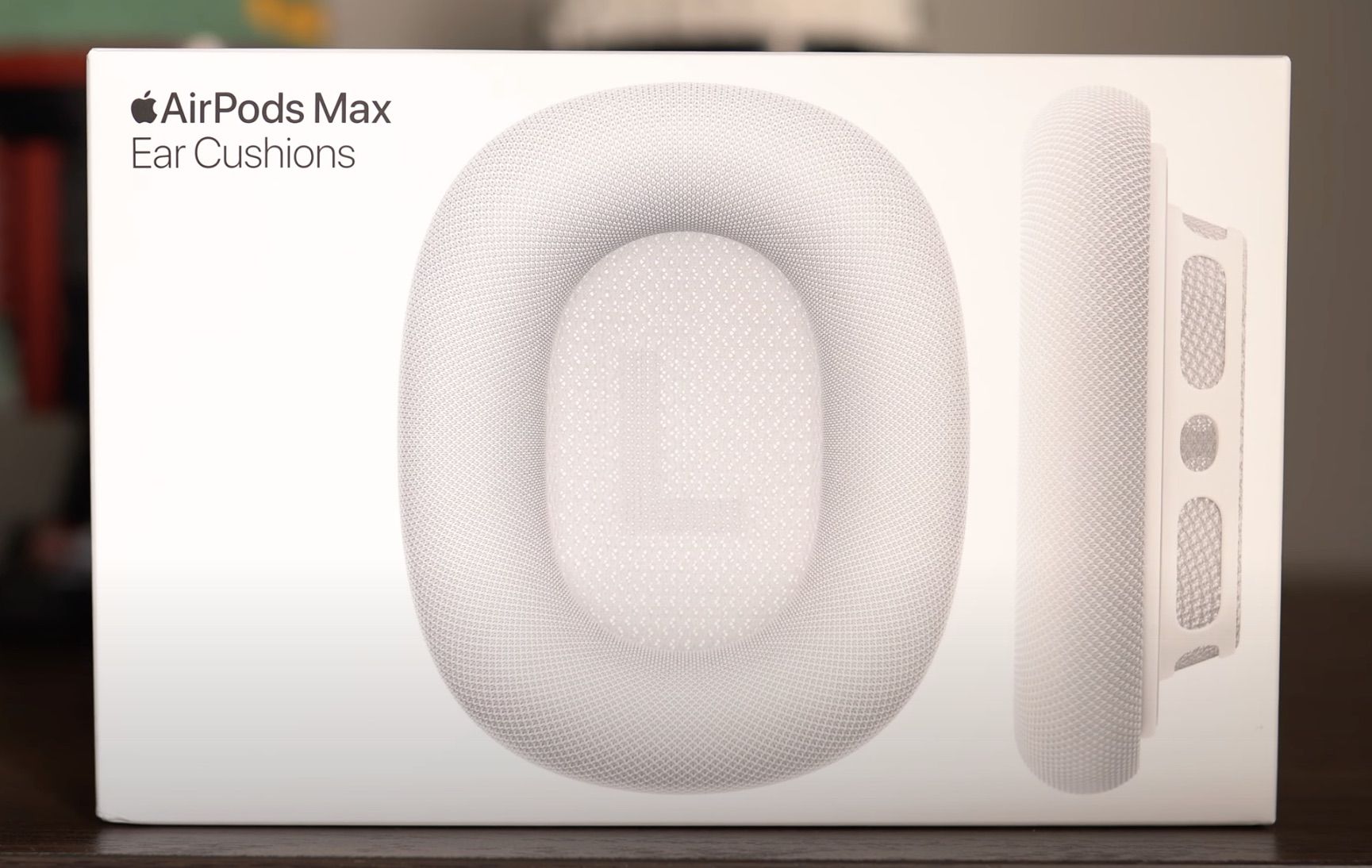
airpods max ear cushions in box

How to Swap Out AirPods Max Ear Cushions

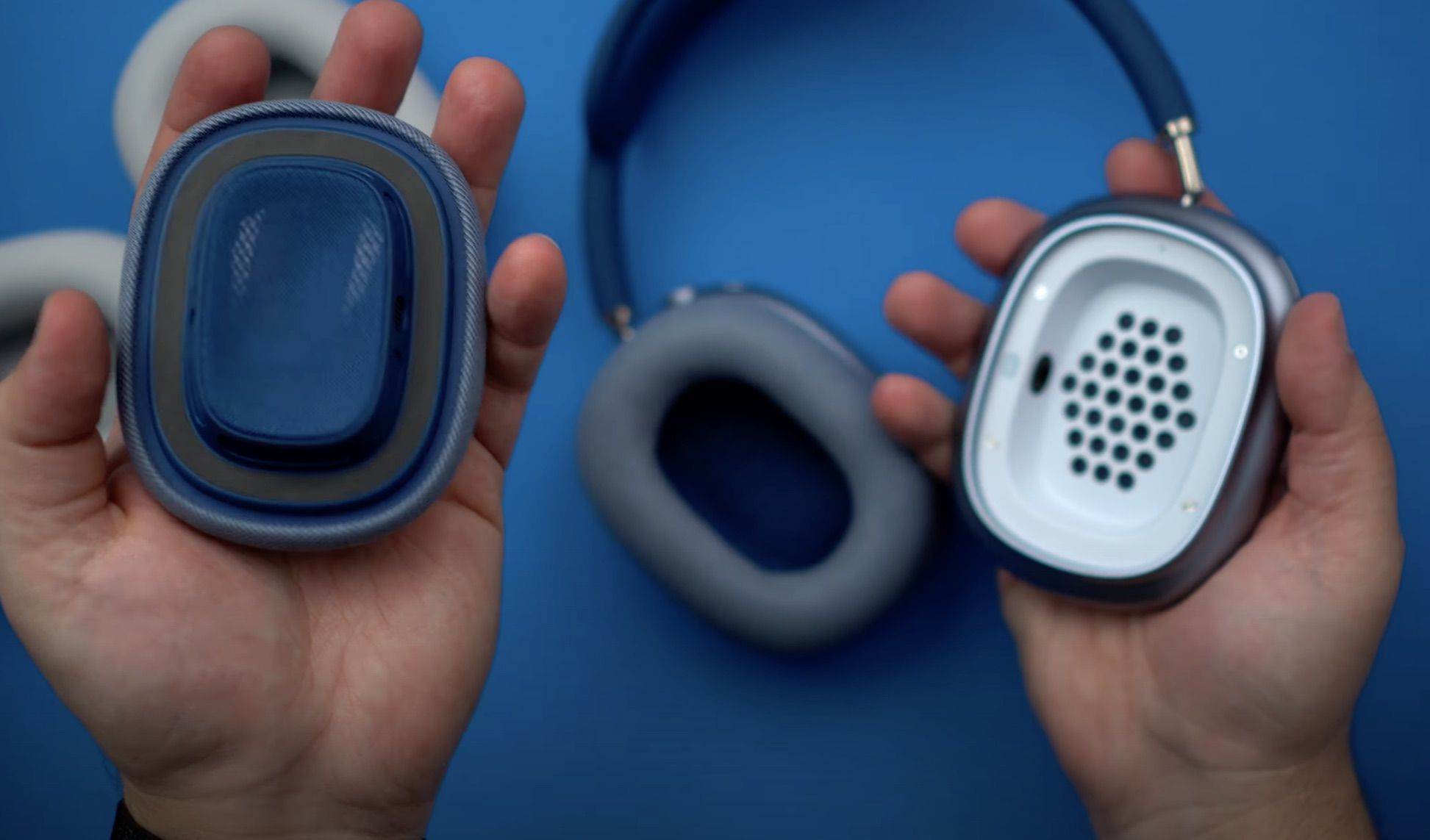
Ear cushions attach to the AirPods Max ear cups magnetically, so it's incredibly easy to swap them out once you have a set of replacement cushions available.

  1. Take the AirPods Max out of the case.
  2. Unbox the new ear cushions from Apple. airpods max ear cushions unboxed
  3. Grasp the right ear cushion in your hand and pull upwards with a firm but gentle motion to remove the existing cushion. airpods max pulling cushion
  4. Repeat for the left side.airpods max removing cushion
  5. Take the right replacement cushion and position it over the right ear cup, which is denoted with an "R" on the side of the cup. airpods max ear cushions off
  6. Gently set the ear cushion in place, where it will snap down thanks to the magnets.
  7. Repeat for the left side.

That's all there is to it. Removing the AirPods Max ear cushions and replacing them couldn't be simpler. Prior to the AirPods Max launch, there were rumors that Apple was aiming for the headphones to be customizable, so in the future, we could see additional ear cup color options made available for personalization purposes.

Related Roundup: AirPods Max 2
Buyer's Guide: AirPods Max (Buy Now)
Related Forum: AirPods
iphone duo screen crack in store

Crackgate? iPhone Duo Owners Report Screens Breaking Along the Hinge

Friday October 23, 2026 11:05 am PDT by Juli Clover
Some iPhone Duos are already experiencing hinge issues that cause display cracks, based on photos shared on Reddit and the MacRumors forums. Almost all of the display faults are right along the hinge, and most result in a line of bright pixels across one side of the screen. An iPhone Duo owner in Australia said his device cracked after being opened fewer than 20 times, and there was no...
Apple Music iPod Page Not Found

Apple Music Has a Hidden iPod You Can Play With

Friday October 23, 2026 7:11 am PDT by Joe Rossignol
Apple Music has a 404 page easter egg on the web: a functional iPod that appears when you load a page that does not exist, such as music.apple.com/macrumors. "Page Not Found," says Apple. "Give this a spin instead." Apple is clever with this. If you navigate to music.apple.com/ipod instead, the page says "Looking for something?" instead of "Page Not Found." The easter egg is only...
jerryrigeverything iphone duo dust

iPhone Duo Fails JerryRigEverything's Dusty Durability Test

Saturday October 24, 2026 11:27 am PDT by Tim Hardwick
Apple's iPhone Duo has failed JerryRigEverything's latest durability test. Despite its IP68 dust-resistance rating, dust entered the hinge through several ingress points, overwhelming the magnets that hold the phone shut. The bend test then left a permanent green line across the inner display, before the screen became unresponsive. The outer screen with Ceramic Shield 2 scratched at level 7...
'); }
← More tech stories