How to Listen to Apple Music on the Web
How to Listen to Apple Music on the WebTuesday February 26, 2019 9:07 AM PST by Tim HardwickApple still doesn't offer an official online web player for Apple Music, but if you want to enjoy the streaming service on a computer that
Table of Contents
How to Listen to Apple Music on the Web
Apple still doesn't offer an official online web player for Apple Music, but if you want to enjoy the streaming service on a computer that doesn't have iTunes installed (your office PC, for example) there is another solution.
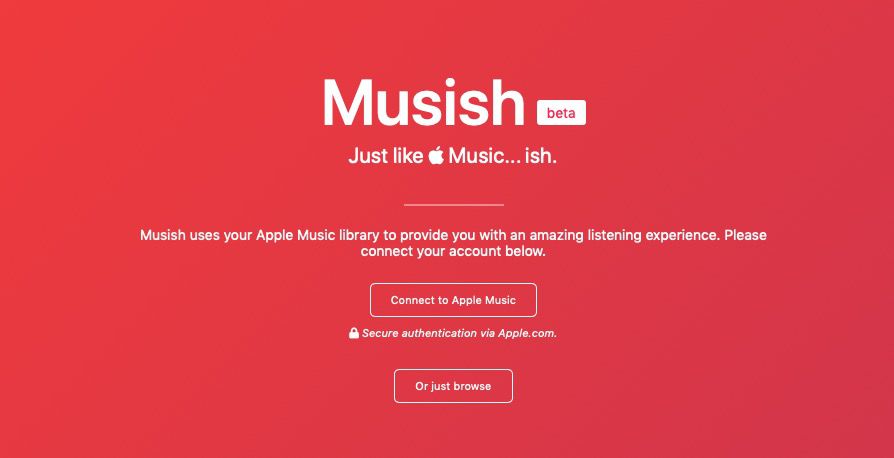
It's called "Musish," a free third-party web player for Apple Music subscribers, created by software engineer Brychan Bennett-Odlum and his team, Raphaël Vigée, James Jarvis, and Filip Grebowski.
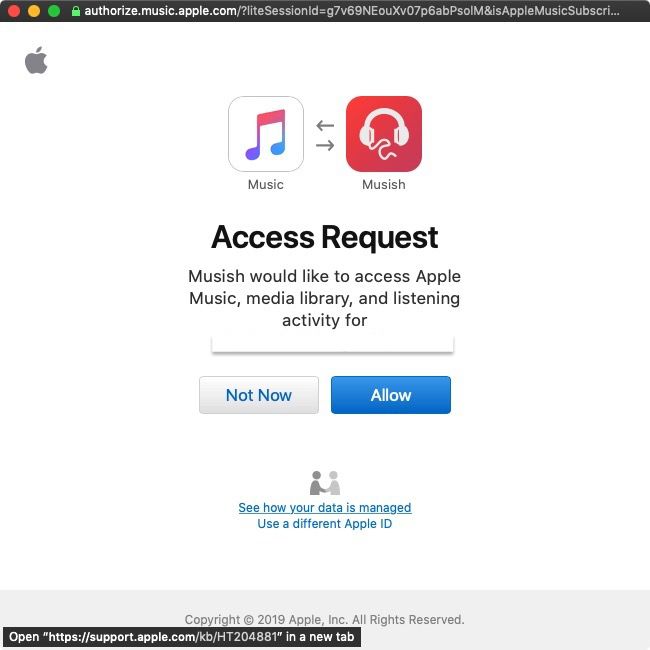
To play Apple Music on the web through Musish, you need to sign in using your Apple ID. If you're concerned about account security, don't be -– sign-in is handled in a separate window under the Apple.com domain and Musish doesn't request, log, or gain access to user information.
Once you've signed in, you'll see the usual Apple Music tabs on the upper left corner of the Musish interface: For You, Browse, Radio, and My Library. Bear in mind, though, that some categories are slimmed down compared to what you'll find in the native iOS Music app or iTunes. Social features like friend profiles are currently unavailable, for example, and there are no radio features yet.
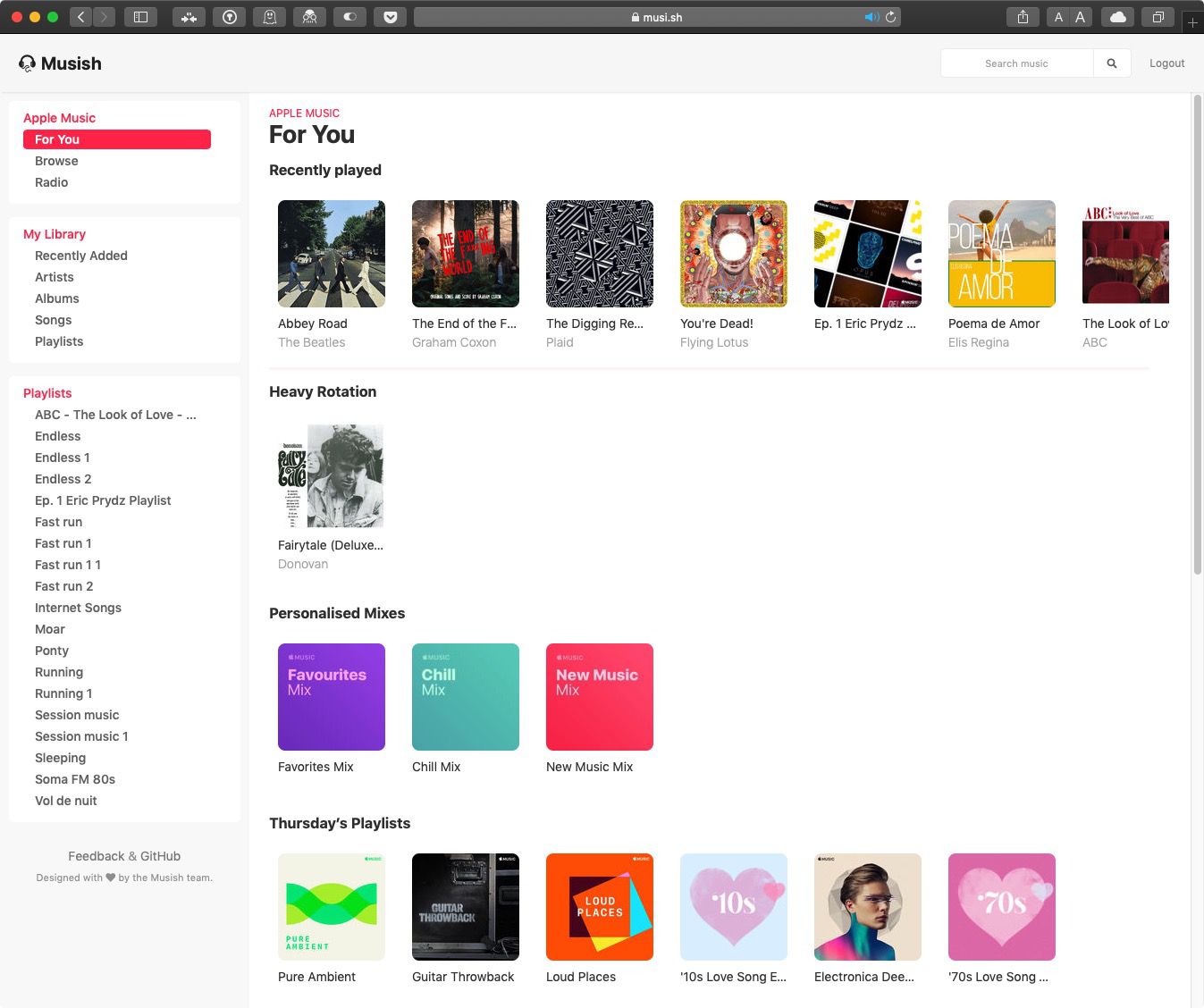
That said, the For You tab features plenty to keep you busy, including your recently played songs, albums in heavy rotation, and personalized mixes, as well as the day's playlists, albums, and new releases.
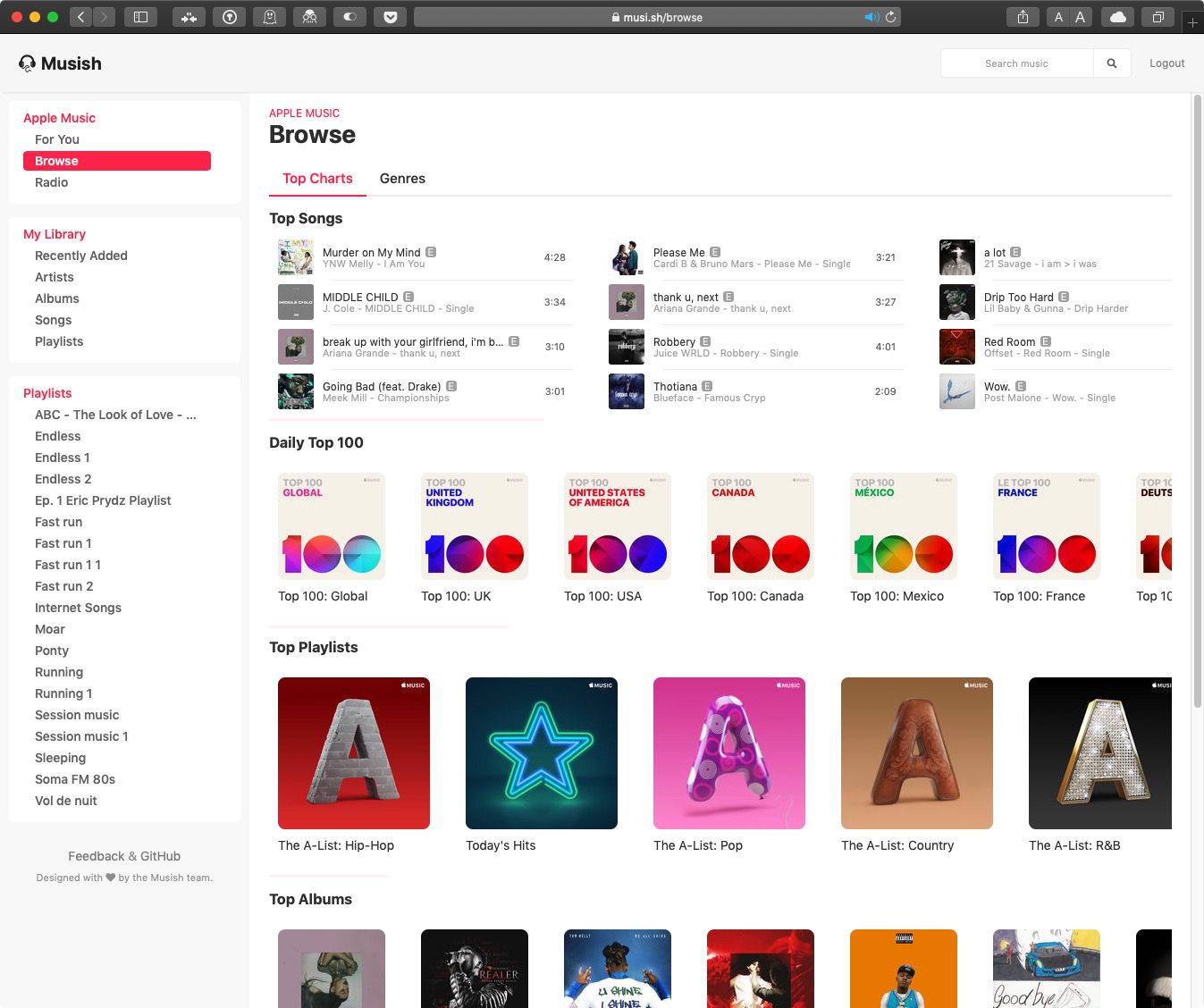
Likewise, the Browse section includes top songs, daily top 100 playlists, top playlists, top albums, and a genres tab. If you're searching for something specific, you can also use the site's upper-right search bar, which remains open on every tab.
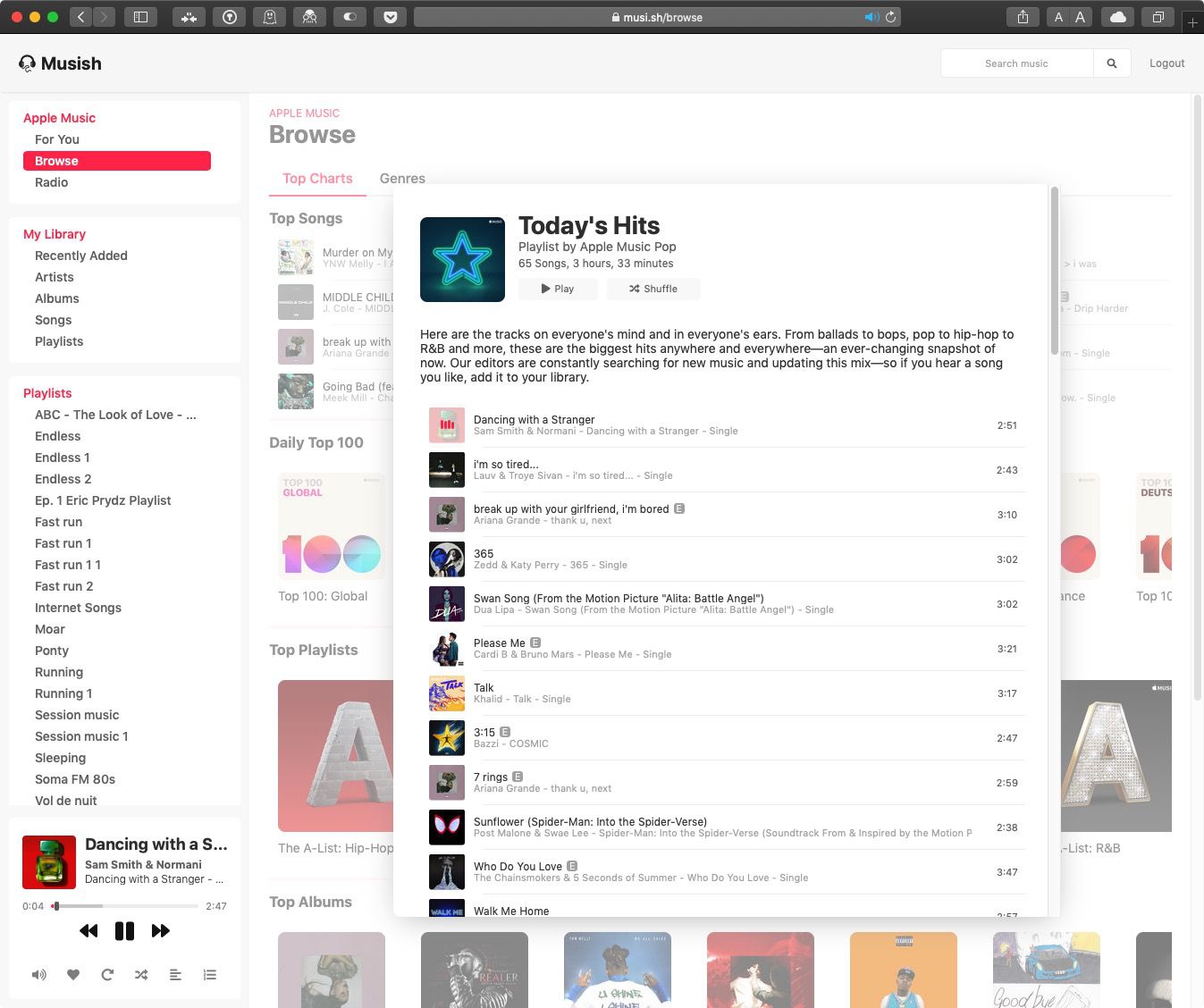
To play music, just click an album/playlist and then click Play, Shuffle, or select a specific song. playback controls will appear at the bottom left of the screen, where you can adjust volume, turn on repeat, turn on shuffle, check out lyrics, and select what's up next.
The team behind Musish is actively developing the web player and hopes to bring mobile compatibility, a dark mode, and a more populated Browse section soon. If you like Musish, consider offering feedback or feature suggestions on the project's GitHub page.
Popular Stories

Apple Music Has a Hidden iPod You Can Play With

Apple Music's New Look Officially Announced