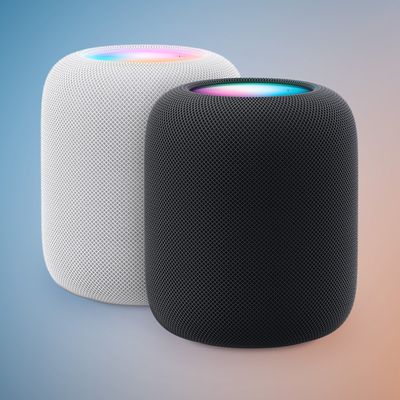
How to Set Up Home Theater Audio with HomePod and Apple TV 4K
How to Set Up Home Theater Audio with HomePod and Apple TV 4KTuesday November 17, 2020 5:35 PM PST by Tim HardwickIf you have an Apple TV 4K and own a HomePod or a stereo pair, you can create a theater experience with Dolby Atmos
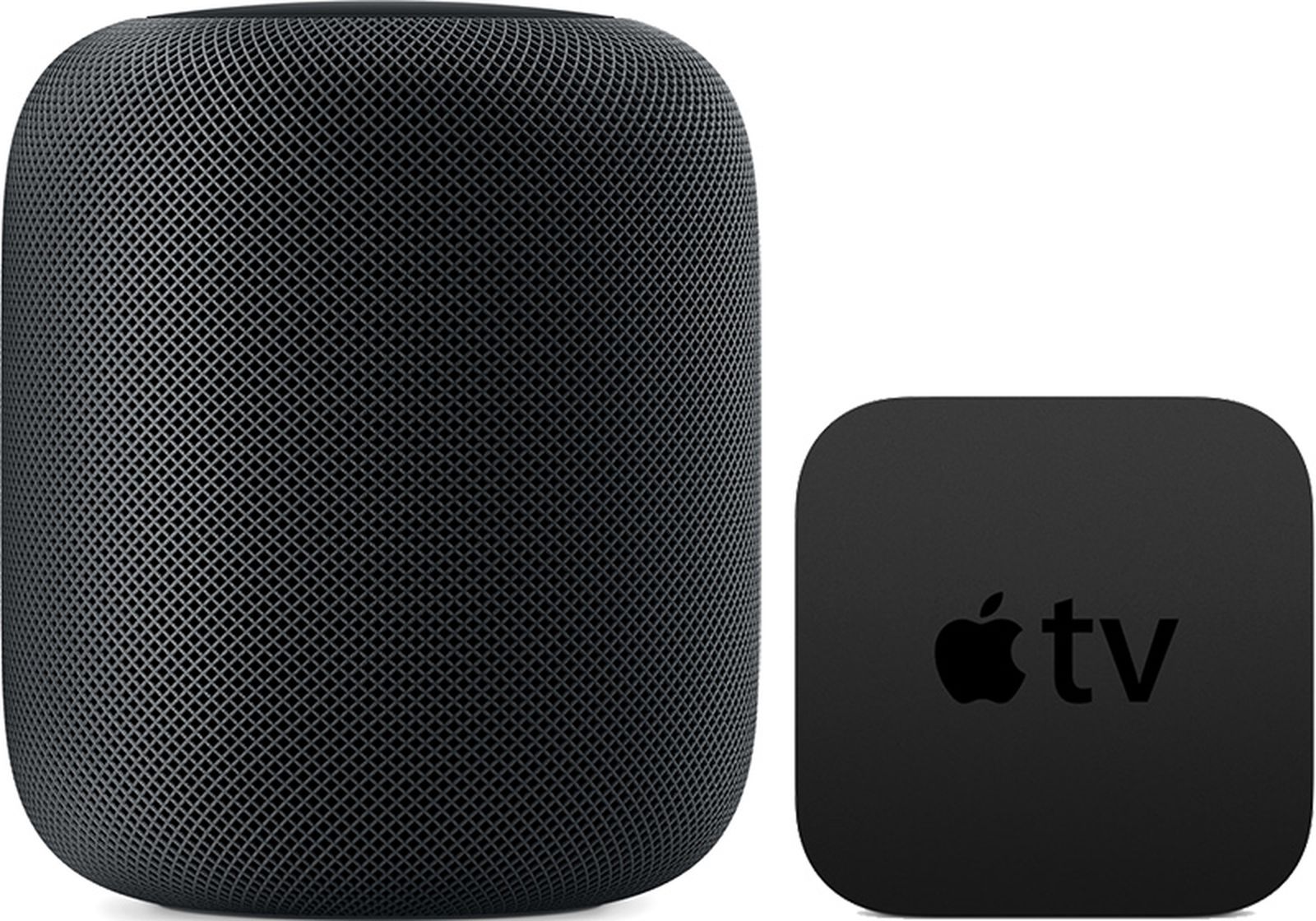
Table of Contents
How to Set Up Home Theater Audio with HomePod and Apple TV 4K
If you have an Apple TV 4K and own a HomePod or a stereo pair, you can create a theater experience with Dolby Atmos or surround sound right in your home.
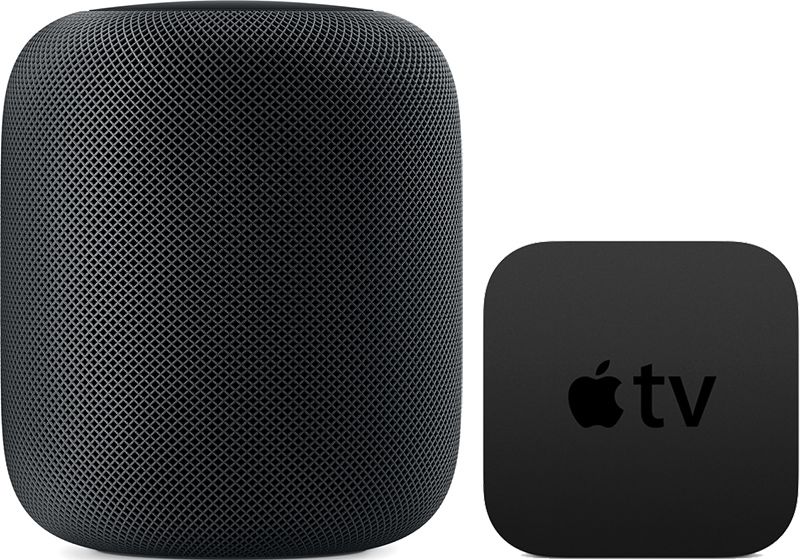
Note that this feature is reliant on the directional and spatially aware capabilities of the original HomePod, so it is not available on the HomePod mini. Here's what you need.
Home Theater Audio: What You'll Need
- An Apple TV 4K updated to tvOS 16.3 or later
- One or two HomePod speakers updated to HomePod 16.3 software or later
- An iPhone or iPad updated to iOS or iPadOS 16.3 or later
How to Set Up Home Theater Audio
- Using the Home app on your iOS device, put your Apple TV and HomePod in the same room. If you want to use two HomePod speakers, create a stereo pair, then put the stereo pair in the same room as your Apple TV in the Home app.
- Turn on your Apple TV.
- A screen will appear asking if you want to use HomePod as TV Speakers. Select Use as TV Speakers to turn on home theater audio.
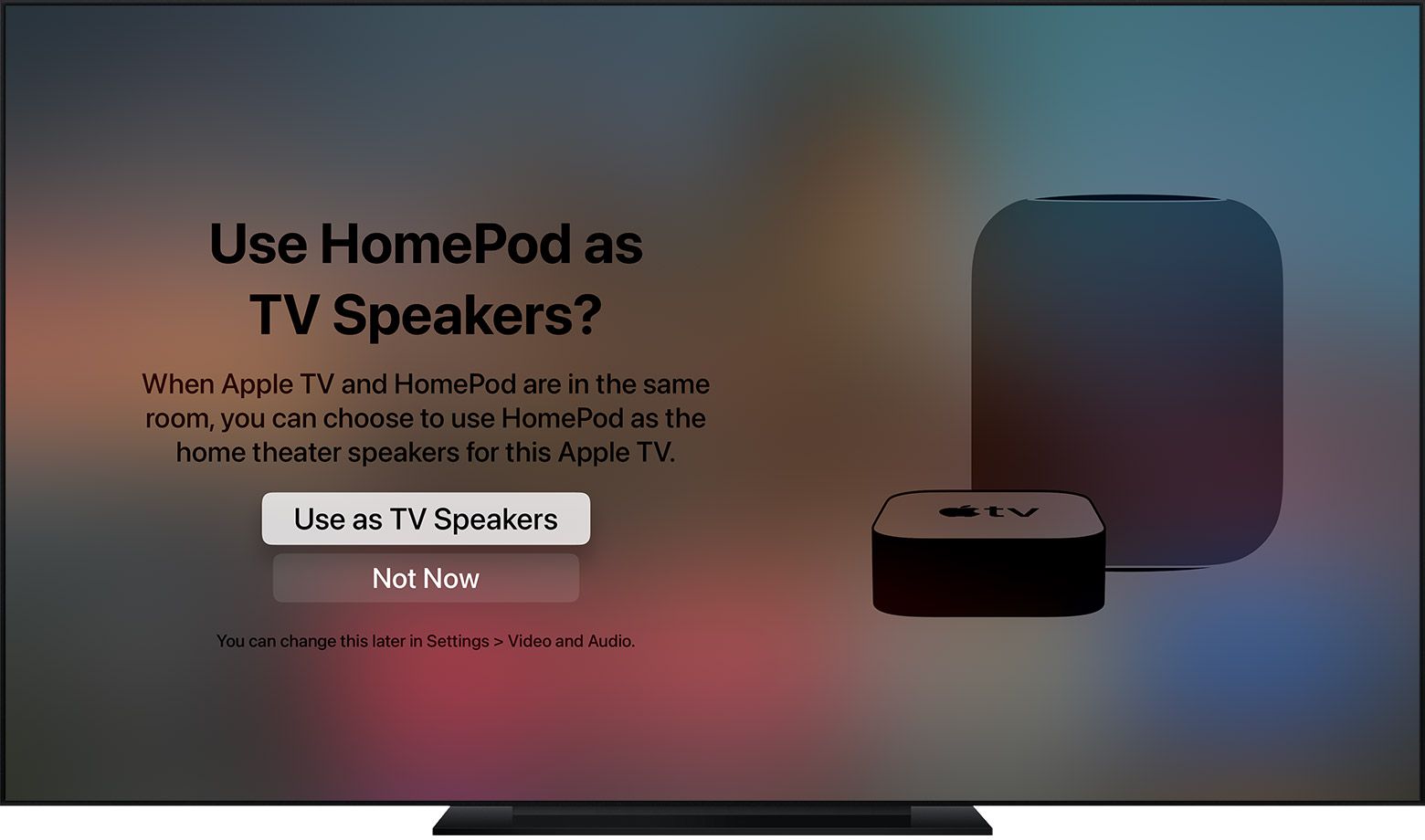
If you don't see the setup screen on your Apple TV, you can manually enable home theater audio on Apple TV or using your iOS device.
On Apple TV:
- From the Home screen on Apple TV, select Settings -> Video.
- Select Audio > Default Audio Output.
- Select the room with your HomePod or stereo pair.
On iPhone, iPad, or iPod touch:
- In the Home app, press and hold the Apple TV pane.
- Scroll down and tap Default Audio Output.
- Select the room with your HomePod or stereo pair.
- Tap Back, then tap Done.
You should now be able to enjoy a more immersive home theater experience when playing content on your Apple TV 4K. An additional benefit of using HomePods as home theater speakers is that it fixes a relatively common issue where Apple TV sometimes forgets that HomePods are the preferred speakers for audio output.
Popular Stories

HomePod 27.2 Adds Sound Glow to Existing HomePod Models
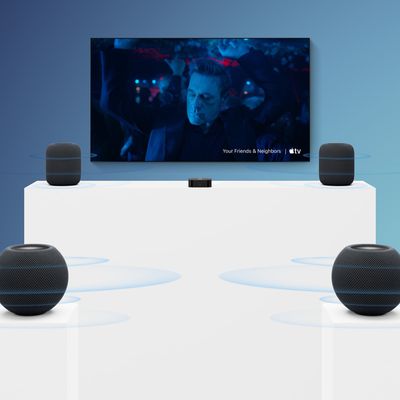
New Apple TV 4K Supports Surround Sound via Four HomePods