How to Transfer Your Spotify Playlists to Apple Music
How to Transfer Your Spotify Playlists to Apple MusicFriday February 22, 2019 5:17 PM PST by Tim HardwickIf you switch from Spotify to Apple Music, you can transfer your playlists from one streaming service to the other using one
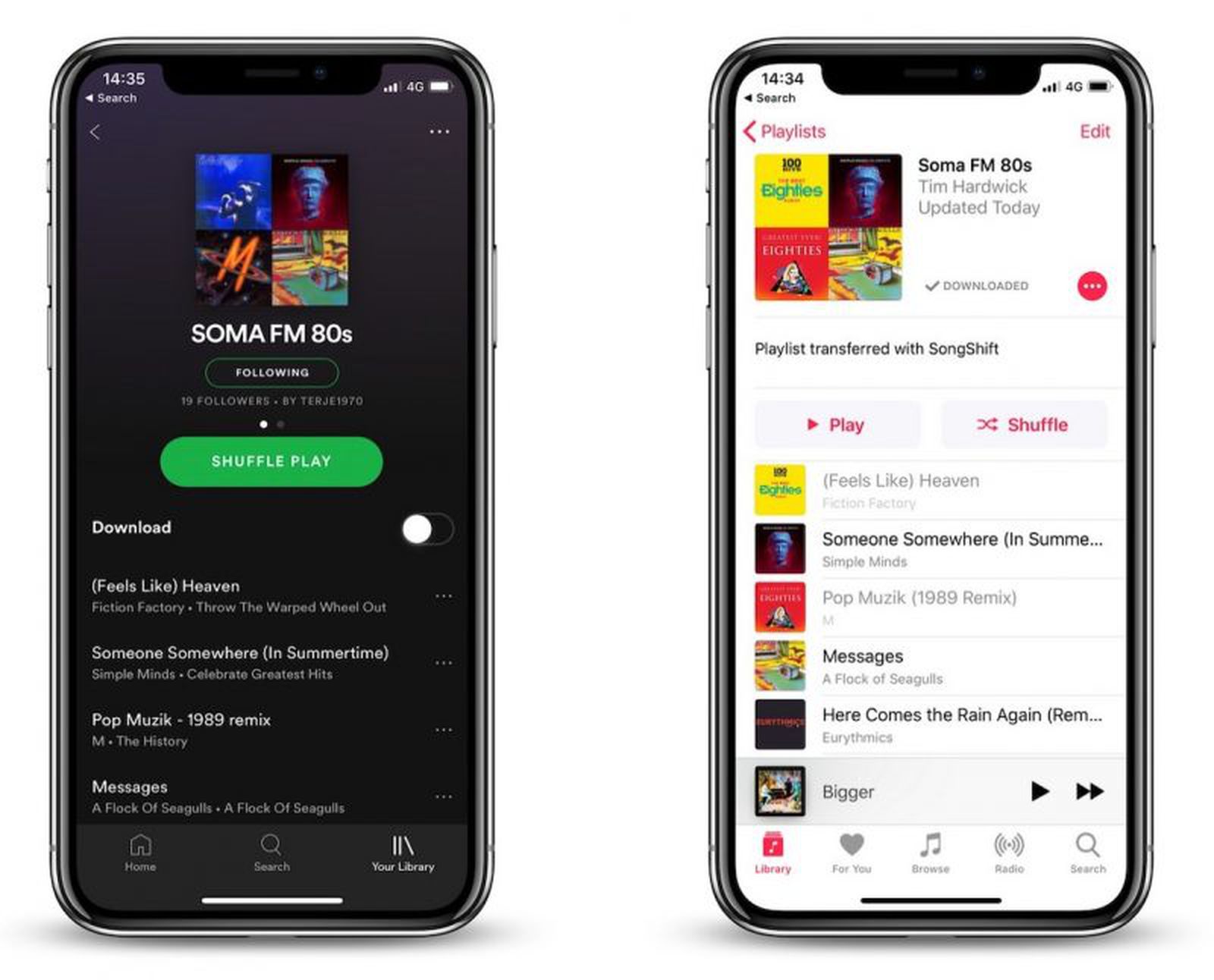
Table of Contents
How to Transfer Your Spotify Playlists to Apple Music
If you switch from Spotify to Apple Music, you can transfer your playlists from one streaming service to the other using one of several third-party apps available on the App Store.
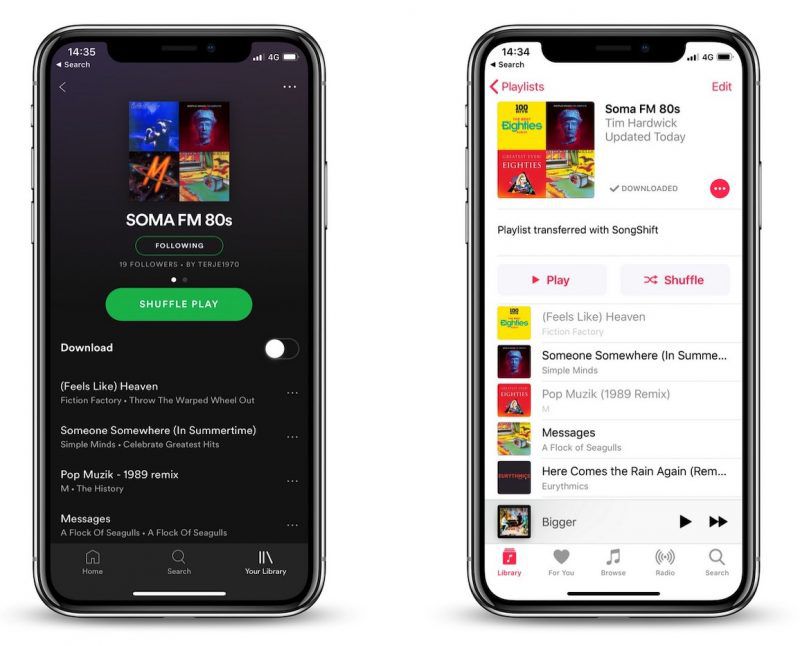
In this article, we're going to use one such app called SongShift to do exactly that, as it's easy to set up and you can test it for free before paying the $3.99 in-app purchase that lets you batch process more than five playlists.
- Launch the SongShift app on your iPhone.
- Tap Get Started.
- Tap the Spotify icon (you can Force touch icons to identify them).
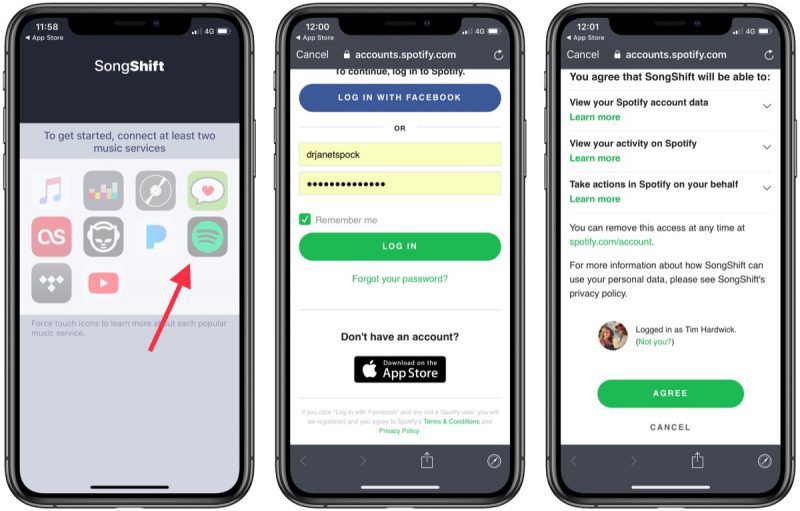
- Enter your Spotify username and password and then tap Log in.
- Tap Agree at the bottom of the next screen to grant the app access to your Spotify library.
- Next, tap the Apple Music icon and then tap Authorize to grant the app access to your Apple Music library and set a token.
- Tap OK to confirm.
- Tap Continue.
- Next, tap the Spotify icon and select a playlist to transfer, then tap Continue.

- Tap Destination and then select the Apple Music icon.
- Tap Create New Playlist.
- In the Configuration screen, tap Destination and enter a custom name for the playlist as you'd like it to appear in your Apple Music library, then tap OK.
- Tap Process and wait while the transfer or "shift" completes.
The "shift" process may take some time and depends on how many songs are in your playlist, but you can start queuing multiple transfers and even close app and they will continue in the background. You can also allow SongShift to notify you when a transfer is complete.
Note: You can keep tabs on a playlist transfer by checking the colored dots next it. Green means processing is complete, blue means songs are pending processing, purple means currently processing, and orange means a song failed to match.
Popular Stories

Apple Music Has a Hidden iPod You Can Play With

Apple Music's New Look Officially Announced