How to Turn Off 'Hey Siri' on HomePodWednesday May 1, 2019 6:48 PM PDT by Tim HardwickOne of the main features of Apple's HomePod is its "Hey Siri" function, which allows you to invoke Apple's voice-activated assistant handsfree a
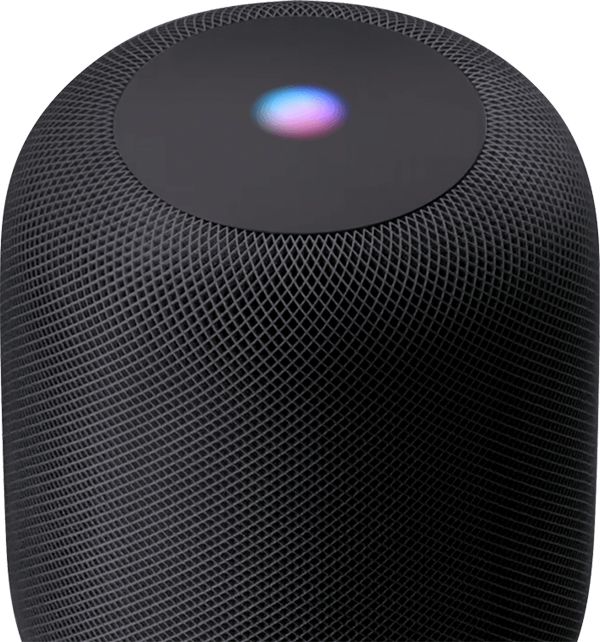
One of the main features of Apple's HomePod is its "Hey Siri" function, which allows you to invoke Apple's voice-activated assistant handsfree and get it to answer queries and control functions related to other devices and services.
If you don't find Siri particularly useful on HomePod or you just don't like the idea of your speaker constantly listening for the words "Hey Siri," you can always turn the feature off. The following steps show you how.
Launch the Home app on your iPhone or iPad.
Tap the Home tab if it isn't already selected.
Press and hold the HomePod icon.
Tap Settings at the bottom right corner of the screen.
Scroll down to the Siri section of options and tap the switch next to Listen for "Hey Siri" to toggle it to the white OFF position.
Tap Done in the upper right corner of the screen.
The "Hey Siri" handsfree function is now disabled on your HomePod. If you change your mind at any time and want to re-enable Siri, simply toggle the switch back on again in the Home app.
Tuesday October 13, 2026 6:08 am PDT by Joe Rossignol
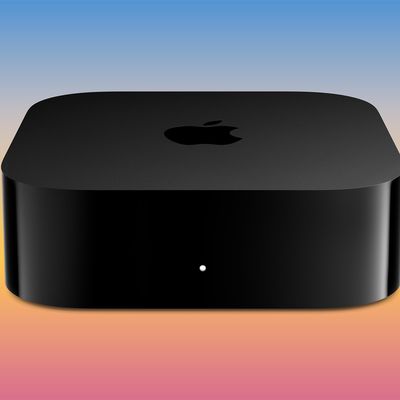
Apple today announced the fourth-generation Apple TV 4K, with key features including an A19 chip, Siri AI support, an updated Siri Remote that has Find My support with Precision Finding, built in far-field microphones, support for surround sound with four HomePods in front and rear pairs, and more.
The A19 chip in the new Apple TV 4K delivers up to 50% faster CPU performance and up to twice...
Tuesday October 13, 2026 6:11 am PDT by Juli Clover
Apple today announced a new HomePod mini equipped with Siri AI, new colors, and improved audio experiences. The new HomePod mini has an S10 chip that supports advanced computational audio, and Apple says it optimizes dynamic range, loudness, and acoustic performance in real-time.
A Sound Glow feature turns the HomePod mini's top into a "visual canvas" that glows and animates in sync with...
Tuesday October 13, 2026 10:26 am PDT by Joe Rossignol
The new Apple TV 4K and updated Siri Remote unveiled today have quite a few new features, as outlined in our all-in-one summary below.
Here are 11 changes coming with the new Apple TV:
A19 chip, for up to 50% faster CPU performance and up to twice as fast graphics performance compared to the previous model with the A15 chip.
8GB of RAM is very likely, up from 4GB of RAM in the previous ...