
How to Update Your MagSafe Battery Pack Firmware for Faster Charging
How to Update Your MagSafe Battery Pack Firmware for Faster ChargingThursday April 21, 2022 3:22 AM PDT by Tim HardwickApple has released a new firmware update for its MagSafe Battery Pack that improves iPhone charging speed. This
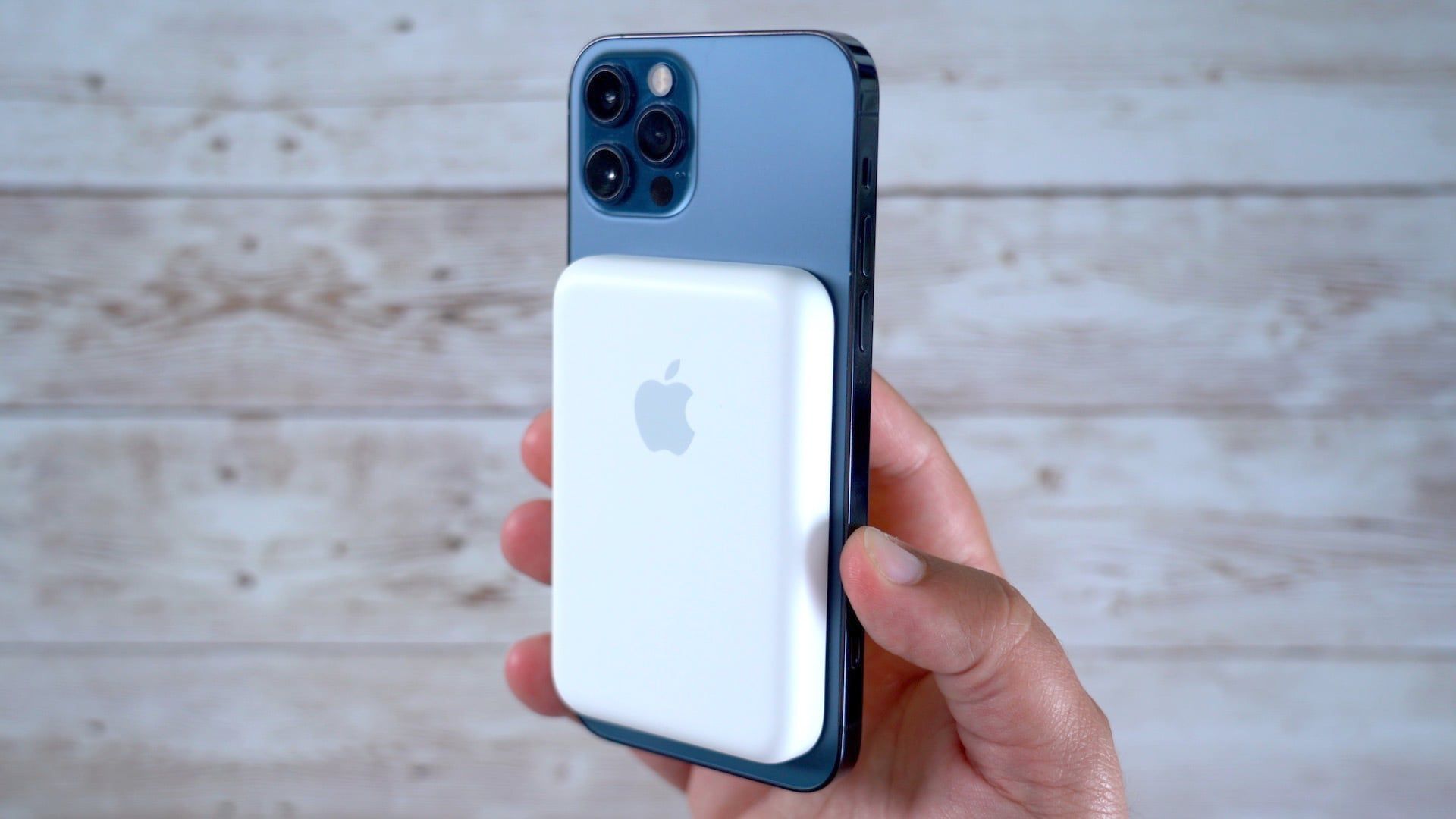
Table of Contents
How to Update Your MagSafe Battery Pack Firmware for Faster Charging
Apple has released a new firmware update for its MagSafe Battery Pack that improves iPhone charging speed. This article explains how to update it so you can benefit from improved performance.
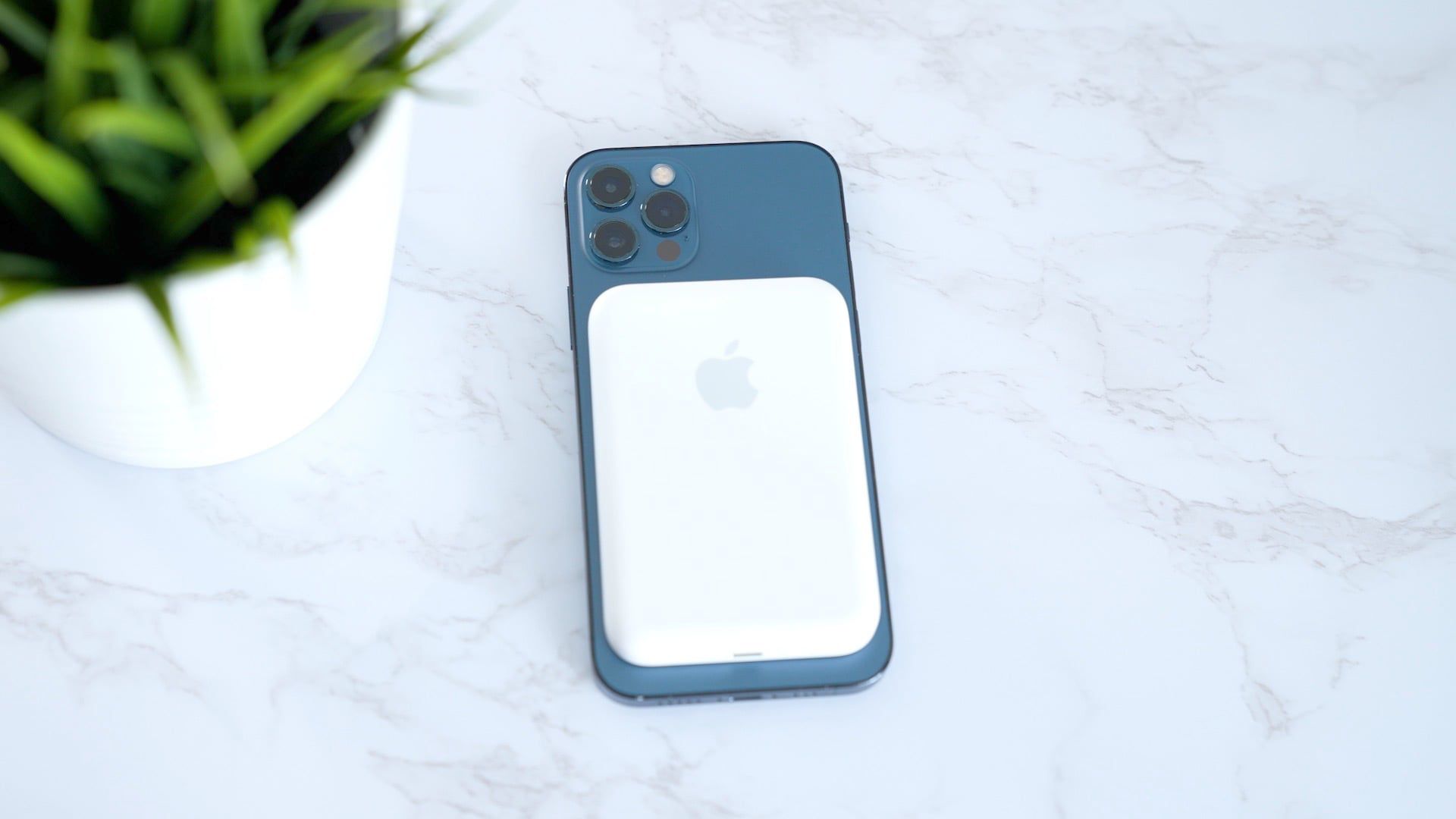
On April 20, 2022, Apple released a firmware update for the MagSafe Battery Pack that enables 7.5W charging on the go, up from the previous 5W limit.
While it still doesn't quite offer the 15W charging speed that wired MagSafe accessories provide, the improvement is at least equivalent to the fastest available standard Qi charging speeds on iPhone, so it's well worth updating. Here's how.
Check Your Firmware Version
The first thing to do is to check which firmware version your MagSafe Battery Pack is running.
- Attach the MagSafe Battery Pack to a MagSafe-compatible iPhone.
- Open up the Settings app.
- Tap General.
- Select About and then choose MagSafe Battery Pack.
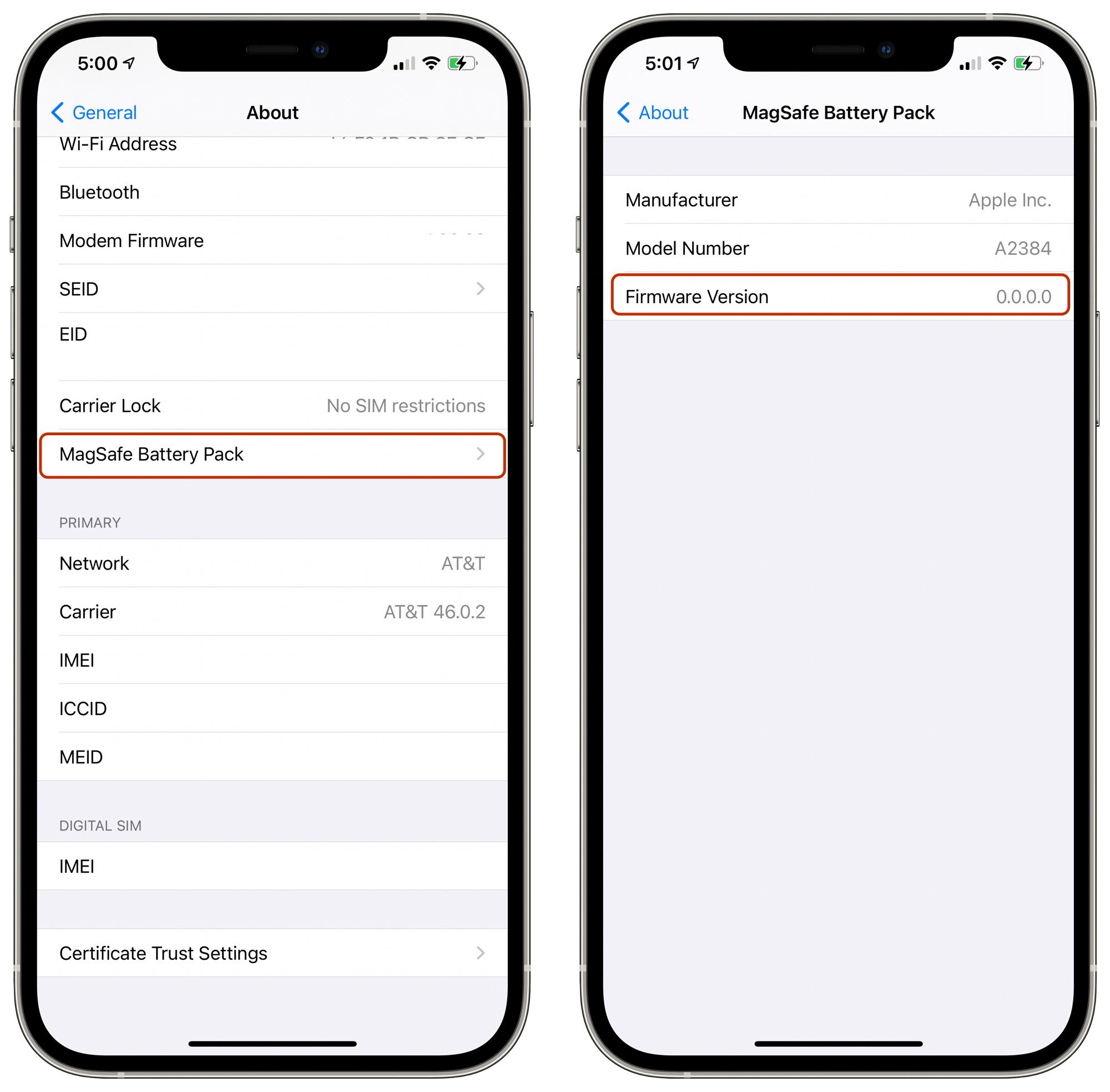
- The firmware version is listed at the bottom of the "MagSafe Battery Pack" section.
To get the 7.5W charging, you'll need version 2.7.b.0. If you're on an earlier firmware release, here's what to do.
How to Update MagSafe Battery Pack Firmware
There are two ways to update the firmware on your MagSafe Battery Pack. The easiest way is to attach it to the back of your iPhone and it will automatically update, although this could take up to a week, according to Apple.
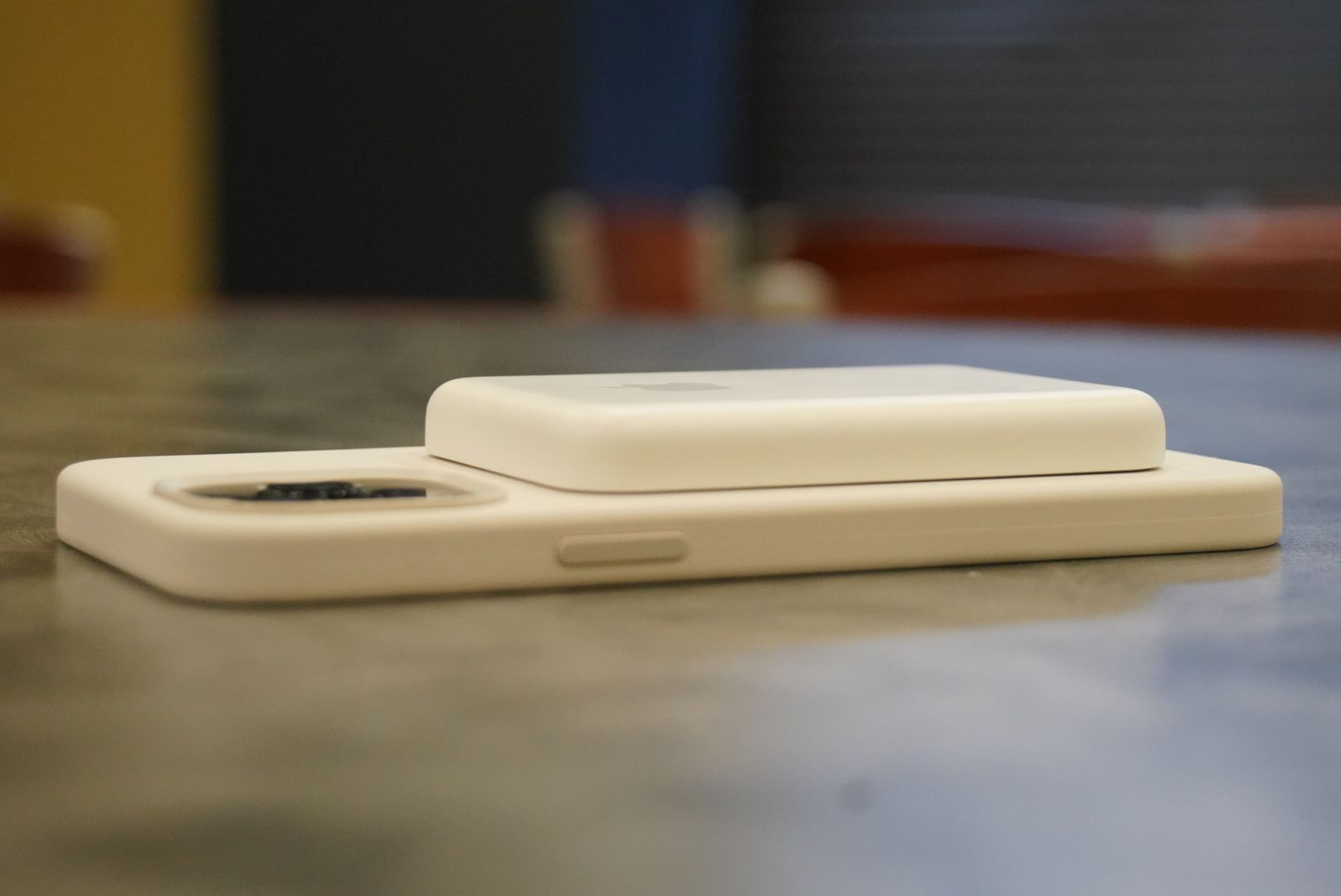
The second, faster way to update the firmware is to connect the MagSafe Battery Pack to a Mac or iPad using a Lightning to USB-C cable. Once you've hooked it up, provided the Mac or iPad is connected to Wi-Fi, the firmware update should only take around five minutes to complete. After that's done, you'll be able to enjoy the faster on-the-go charging speed immediately.
Popular Stories

Apple Responds to iPhone Duo Display Cracking Reports

Crackgate? iPhone Duo Owners Report Screens Breaking Along the Hinge

