How to Use Apple Diagnostics to Test Your Mac
How to Use Apple Diagnostics to Test Your MacWednesday October 20, 2021 6:41 AM PDT by Tim HardwickFormerly known as Apple Hardware Test, Apple Diagnostics is a system-integrated feature on newer Macs running macOS Big Sur and mac

Table of Contents
- 1. How to Use Apple Diagnostics on an Apple silicon Mac
- 2. How to Use Apple Diagnostics on an Intel Mac
- 3. Popular Stories
- 4. Apple Responds to iPhone Duo Display Cracking Reports
- 5. Crackgate? iPhone Duo Owners Report Screens Breaking Along the Hinge
- 6. Apple Announces New iPad Mini With 8.5-Inch OLED Display, A20 Pro Chip, and More
- 7. Next Article
How to Use Apple Diagnostics to Test Your Mac
Formerly known as Apple Hardware Test, Apple Diagnostics is a system-integrated feature on newer Macs running macOS Big Sur and macOS Monterey that can check your Mac for hardware issues. This article explains how to use it on Apple silicon Macs and Intel Macs.

If you think your Mac has a hardware problem, you can use Apple Diagnostics to help you determine which hardware component might be at fault. Apple Diagnostics can also suggest solutions and get you in touch with Apple Support for additional help.
Before you use Apple Diagnostics, make sure your Mac is shut down (choose Apple menu -> Shut Down from the menu bar) then disconnect all external devices except for the keyboard, mouse, display, and any Ethernet connection if you have one. Make sure your Mac is connected to a power outlet, then follow the steps below for your type of Mac.
How to Use Apple Diagnostics on an Apple silicon Mac
- Turn on your Mac and continue to press and hold the power button as your Mac starts up.
- Release the power button when you see the startup options window (you'll see the internal disk icon and a gear icon labeled Options).

- Press the Command-D key combination on your keyboard.
How to Use Apple Diagnostics on an Intel Mac
- Press the power button to turn on your Mac, then immediately press and hold the D key on your keyboard as your Mac starts up.
- Release the D key when you see a progress bar or you're asked to choose a language.
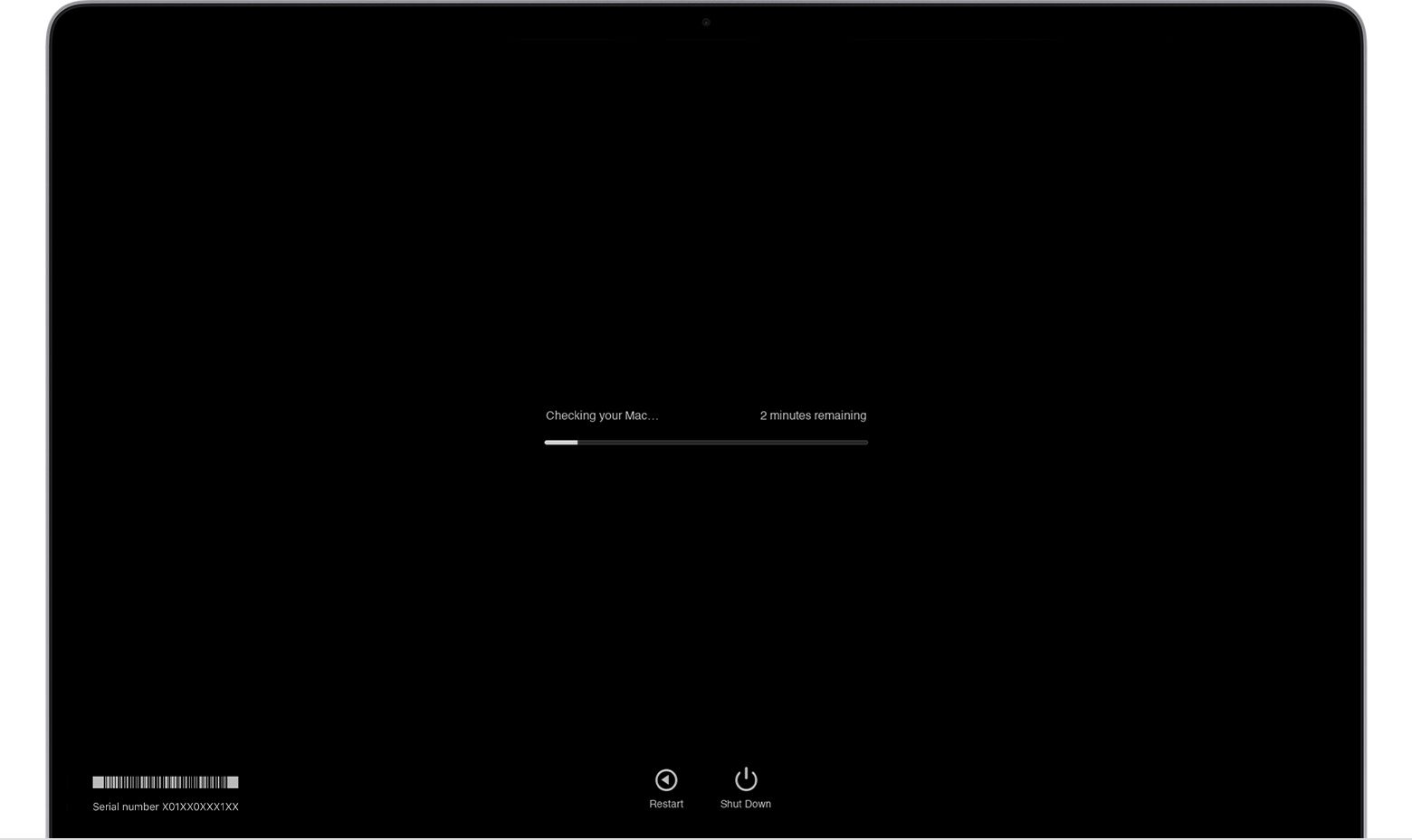
After you've followed the above steps, Apple Diagnostics will begin to run on your Mac. When it's finished testing your machine, the results will be shown, including one or more reference codes to help you identify any potential issues (refer to Apple's support page to learn more about reference codes). To repeat the test, click Run the test again or press Command-R. Alternately, click Restart or Shut Down.

To get more information about your service and support options, make sure that your Mac is connected to the internet. Then click Get started or press Command-G. Your Mac will restart and open a webpage with more information. When you're done, choose Restart or Shut Down from the Apple menu.
Popular Stories

Apple Responds to iPhone Duo Display Cracking Reports

Crackgate? iPhone Duo Owners Report Screens Breaking Along the Hinge