
PSA: You'll Have to Visit an Apple Store If You Forget Your Vision Pro Passcode
PSA: You'll Have to Visit an Apple Store If You Forget Your Vision Pro PasscodeMonday February 5, 2024 5:24 pm PST by Juli CloverApple Vision Pro owners who forget the passcode they set will need to take the device to an Apple ret
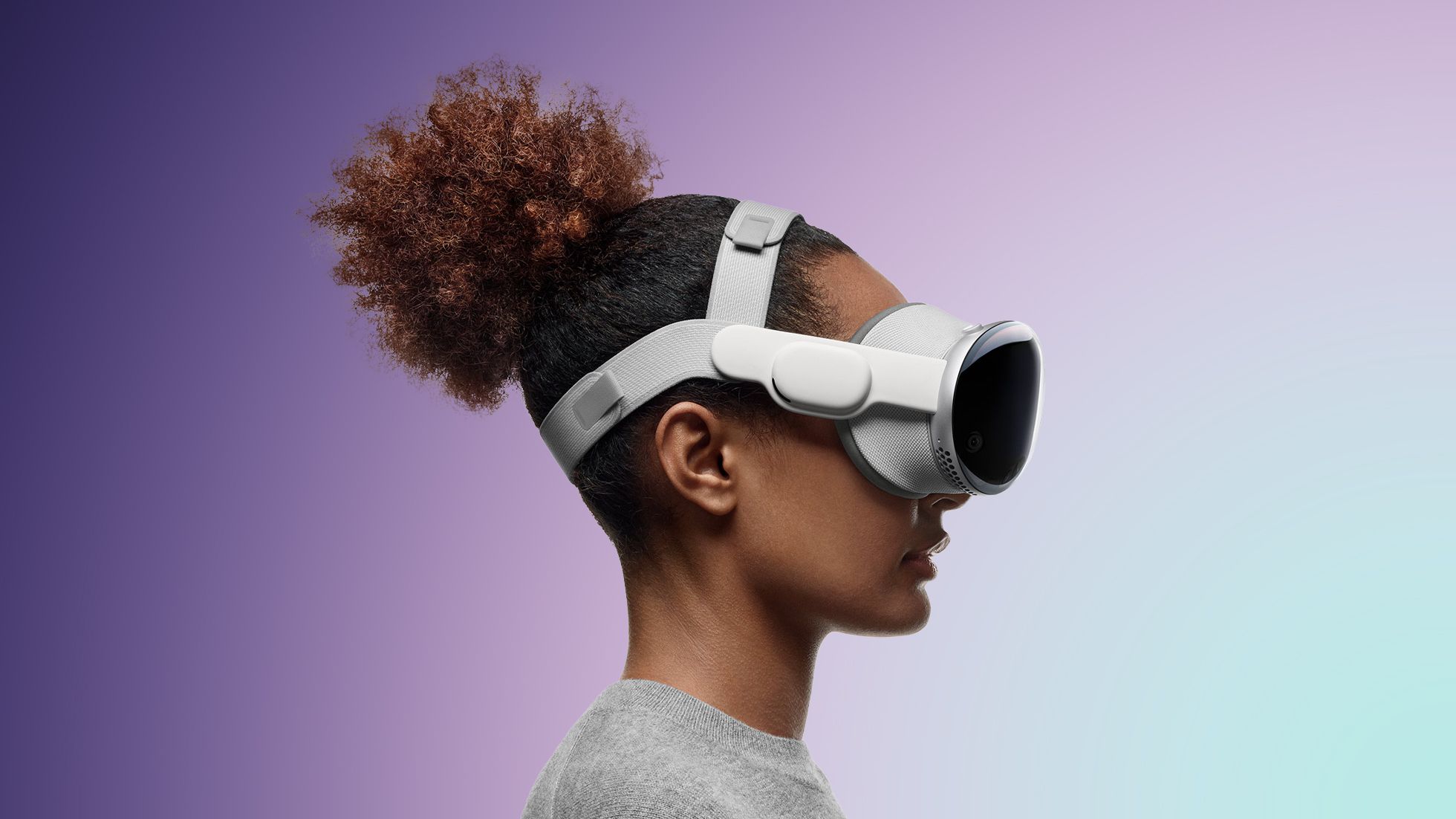
Table of Contents
PSA: You'll Have to Visit an Apple Store If You Forget Your Vision Pro Passcode
Apple Vision Pro owners who forget the passcode they set will need to take the device to an Apple retail location to get it reset, reports Bloomberg's Mark Gurman. There is apparently no on-device way to reset a Vision Pro passcode if it is forgotten.
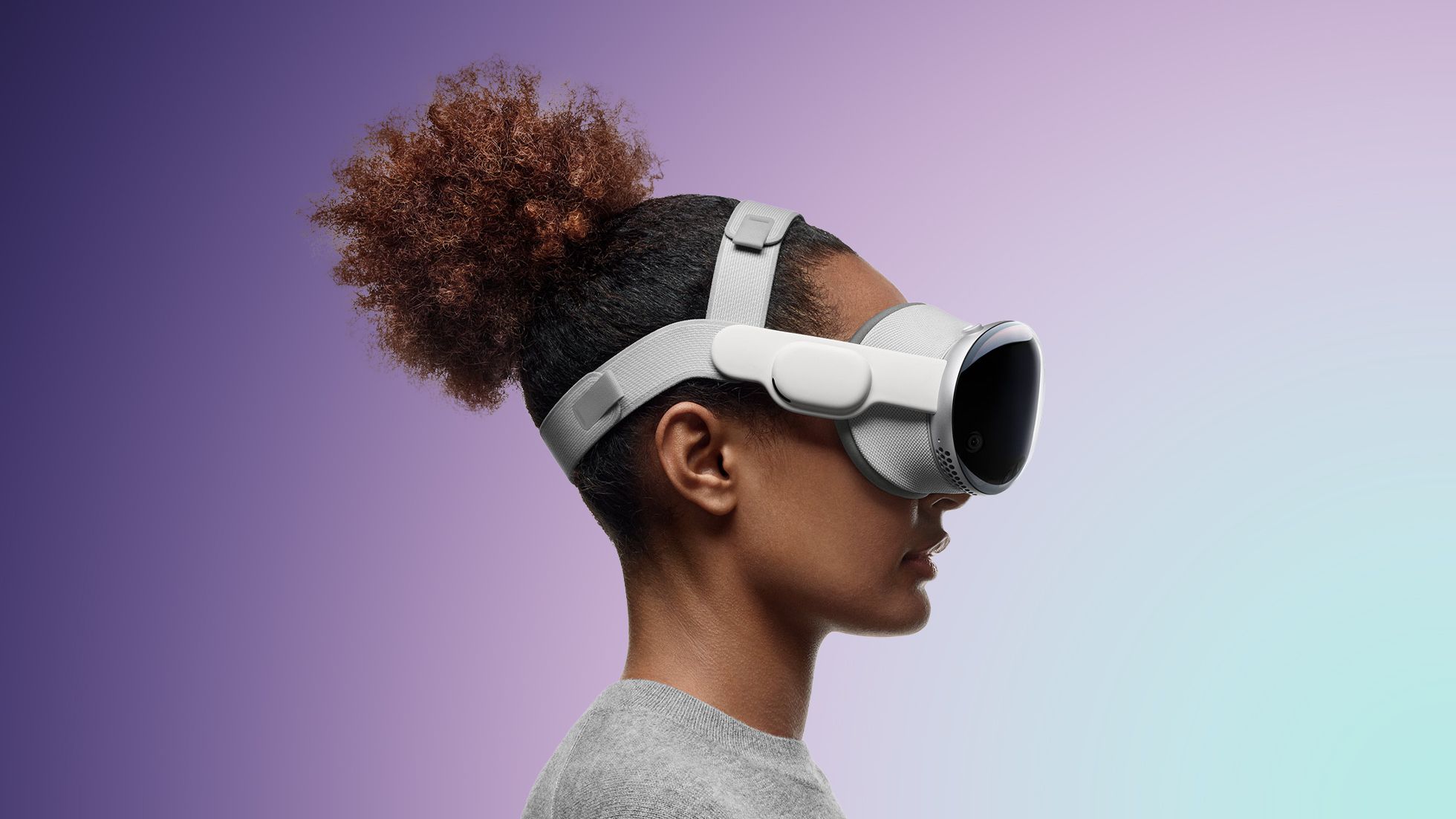
By default, the Vision Pro asks for a six-digit passcode when it is being set up, which must be entered twice. Customers can opt for a longer or shorter passcode. Optic ID can be used in lieu of a passcode, but it works like Face ID or Touch ID, and the passcode is required after a restart and in certain other situations.
Customers who have forgotten their Vision Pro passcodes have been told by Apple that they will need to visit a retail store for a fix or will need to ship the headset to Apple if there isn't a nearby store. Like Apple's iOS devices, the incorrect passcode cannot be entered too many times or the device will be disabled, with a waiting period before a passcode can be entered again. Removing the passcode requires erasing all content on the Vision Pro.
The iPhone and iPad also must be erased to get rid of a passcode, but it is a process that can be done at home with a Mac or PC. The Apple Watch, which cannot connect to a Mac or PC, can be reset on the device itself using the Digital Crown or on a connected iPhone.
There is an erase content setting on the Vision Pro, but there is no way to get into the reset mode using a combination of button presses. Erasing Vision Pro can only be done through the Settings app.
Customers who have the $300 Developer Strap may be able to wipe the device from a Mac, but most users will not be able to get this accessory as it is limited to registered developers in the United States.
Popular Stories
New Vision Pro Headset: Apple Considering Four Different Concepts

Apple Unveils Immersive Horror Film Coming Exclusively to Vision Pro

