
How to Factory Reset an AirTag So Someone Else Can Use It
How to Factory Reset an AirTag So Someone Else Can Use ItTuesday May 4, 2021 3:26 PM PDT by Juli CloverWhen you set up an AirTag, it's automatically associated with your Apple ID, which means it's linked to your Apple ID and can

Table of Contents
How to Factory Reset an AirTag So Someone Else Can Use It
When you set up an AirTag, it's automatically associated with your Apple ID, which means it's linked to your Apple ID and can't be used by someone else unless you reset it.
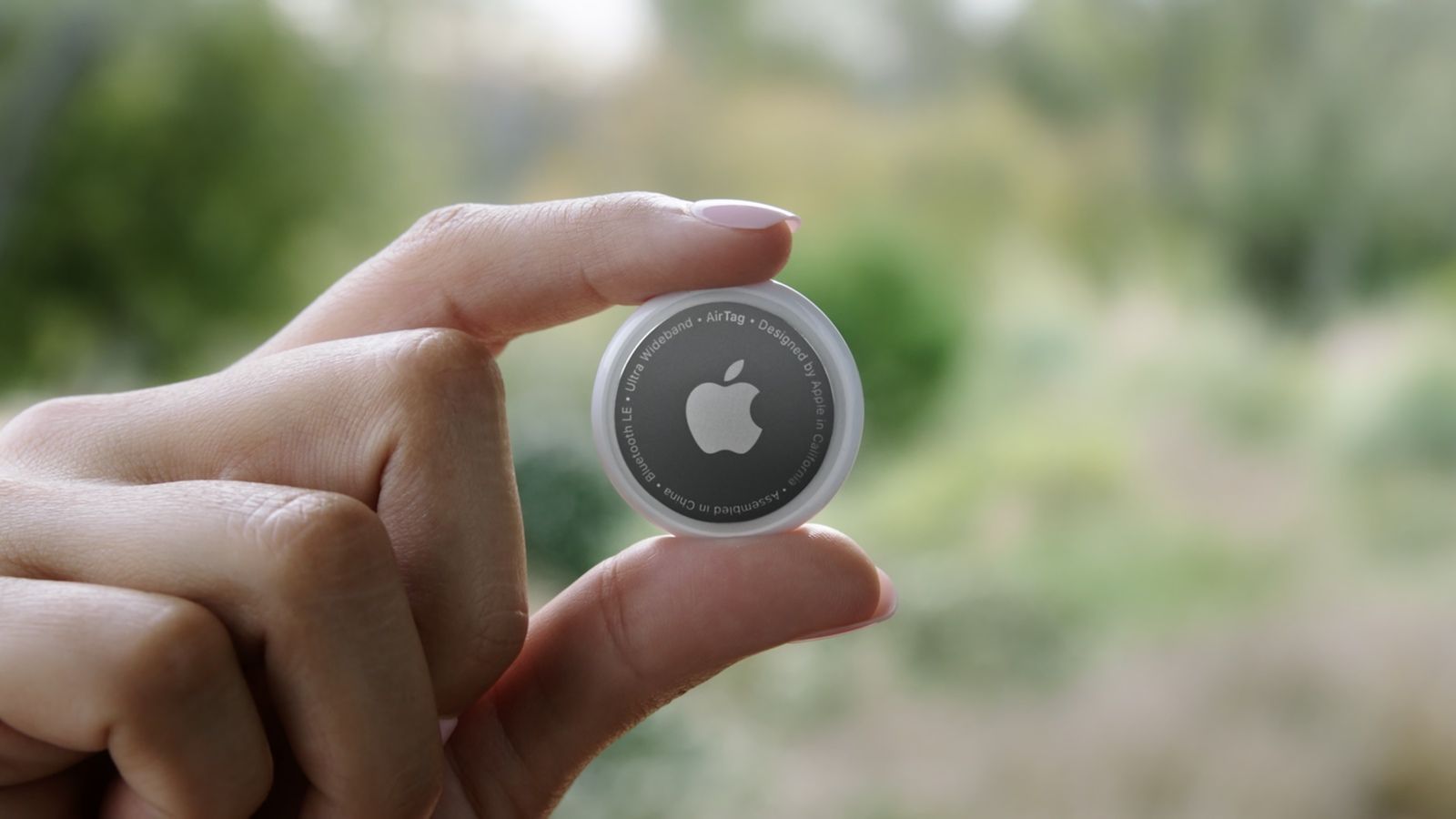
Resetting can be as simple as removing an AirTag from your Apple ID, by following these steps:
- Open the Find My app.
- Tap on the AirTag that you want to remove by choosing its name from the list.
- Swipe upwards to bring up the full AirTag settings.
- Tap on "Remove Item."
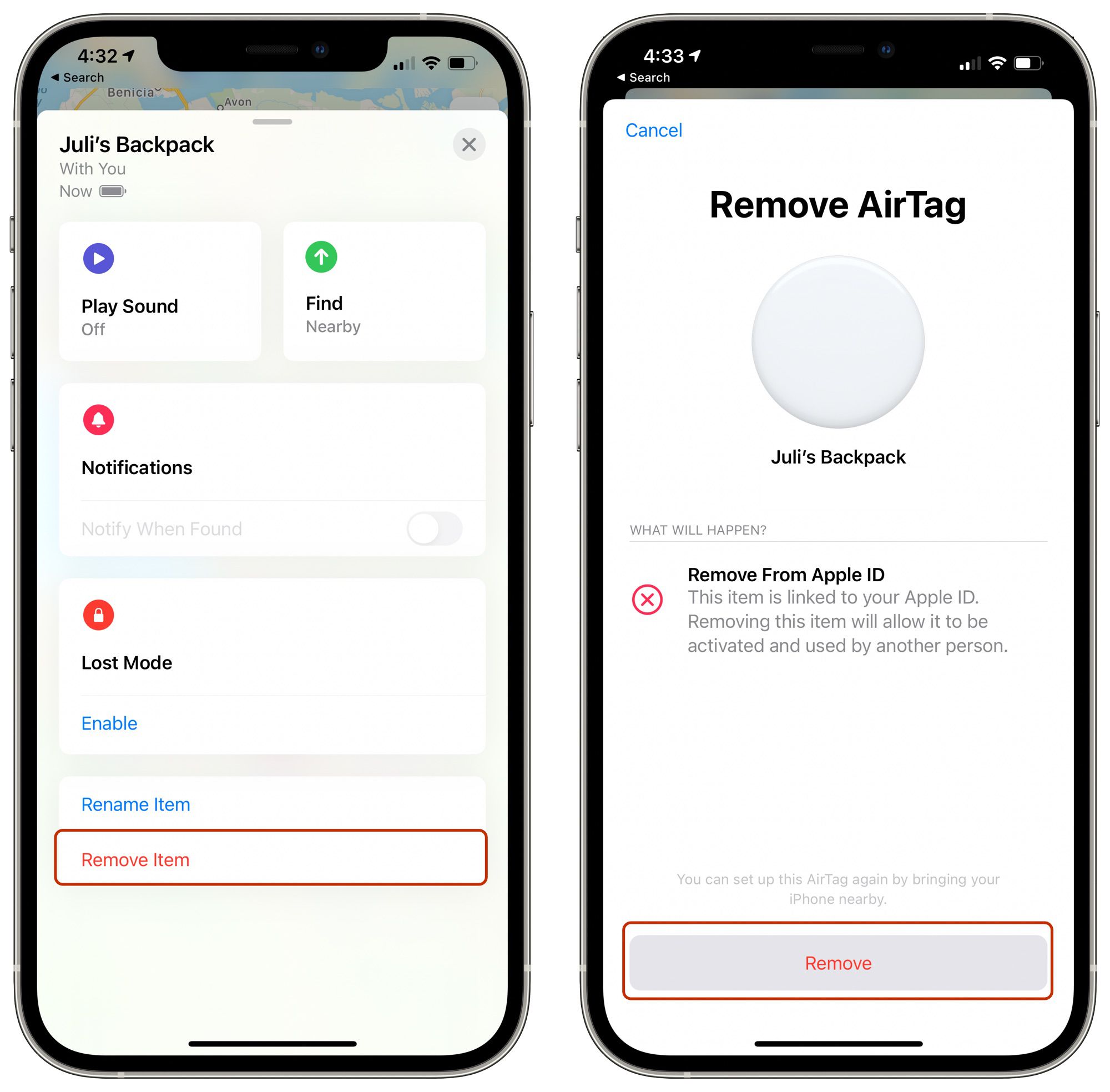
- Tap on "Remove" and then tap again on the "Remove" popup.
Once you've gone through this process, the AirTag's ownership is cleared and you can give it to someone else to set up and use with their own account.
Unfortunately, if you're not in Bluetooth range of your AirTag when you remove it from your account, it won't register and a manual reset will be required. If you wind up with an AirTag from someone else that says it's linked to their ID but they've already removed it from their account, follow these steps to physically reset the AirTag:
- Press down on the stainless steel backing of the AirTag.
- As you press down, rotate counterclockwise until the cover stops rotating.
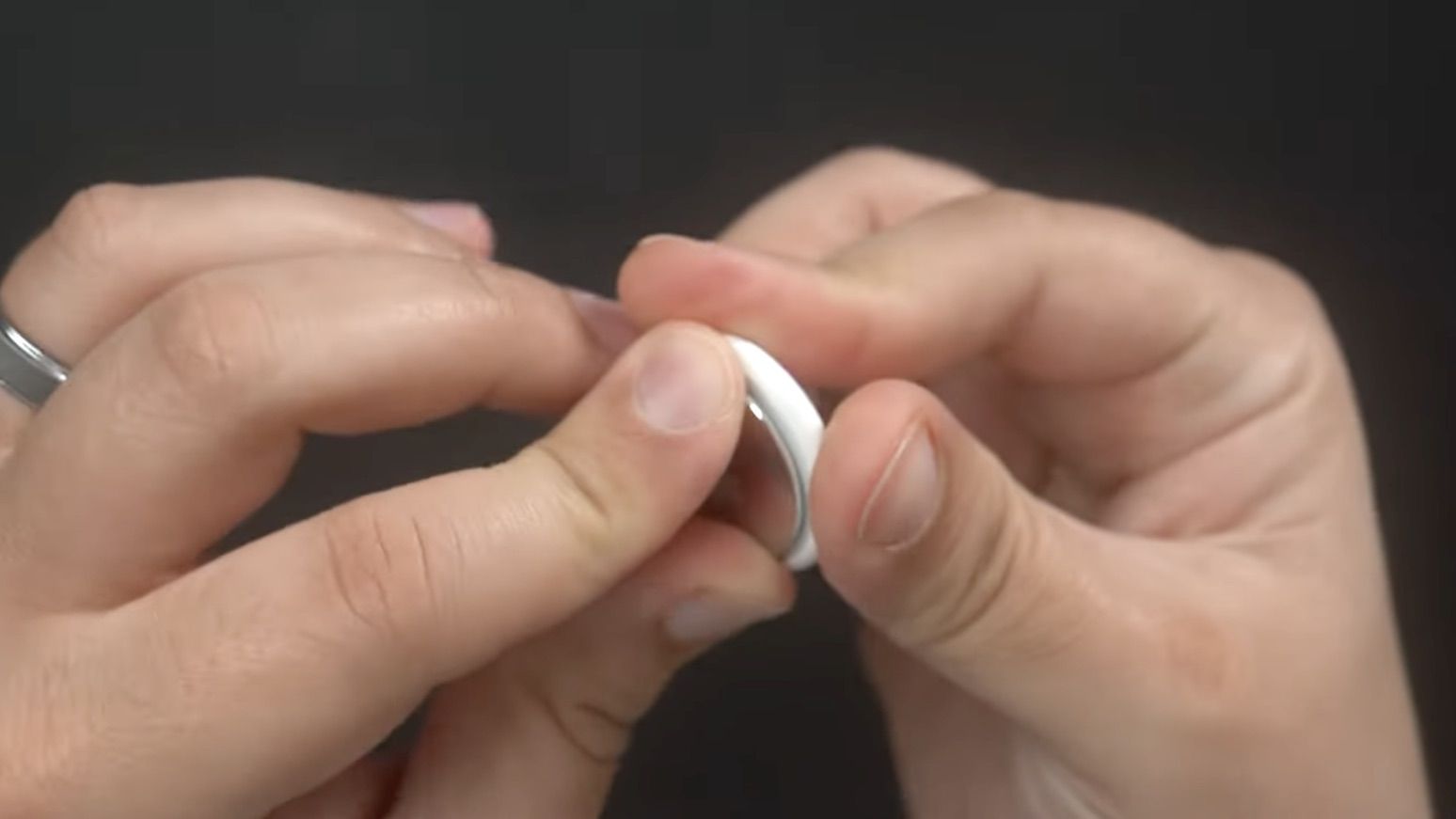
- Pull apart the two halves of the AirTag.
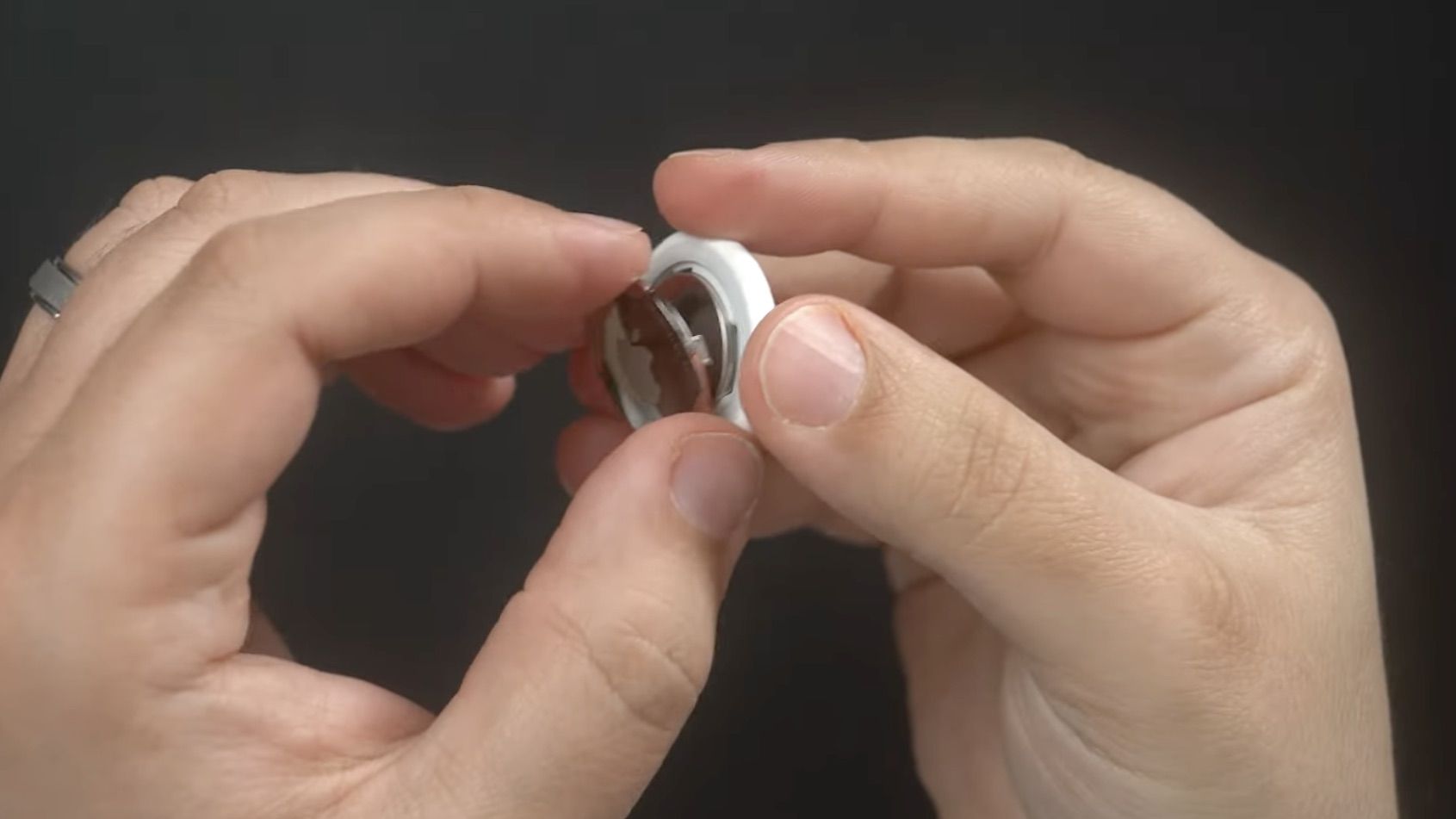
- Take out the battery.
- Put the battery back in.
- Press down on the battery until it makes a sound.
- Once the sound finishes, repeat this process four more times, removing and replacing the battery and then pressing on the battery until you hear a sound.
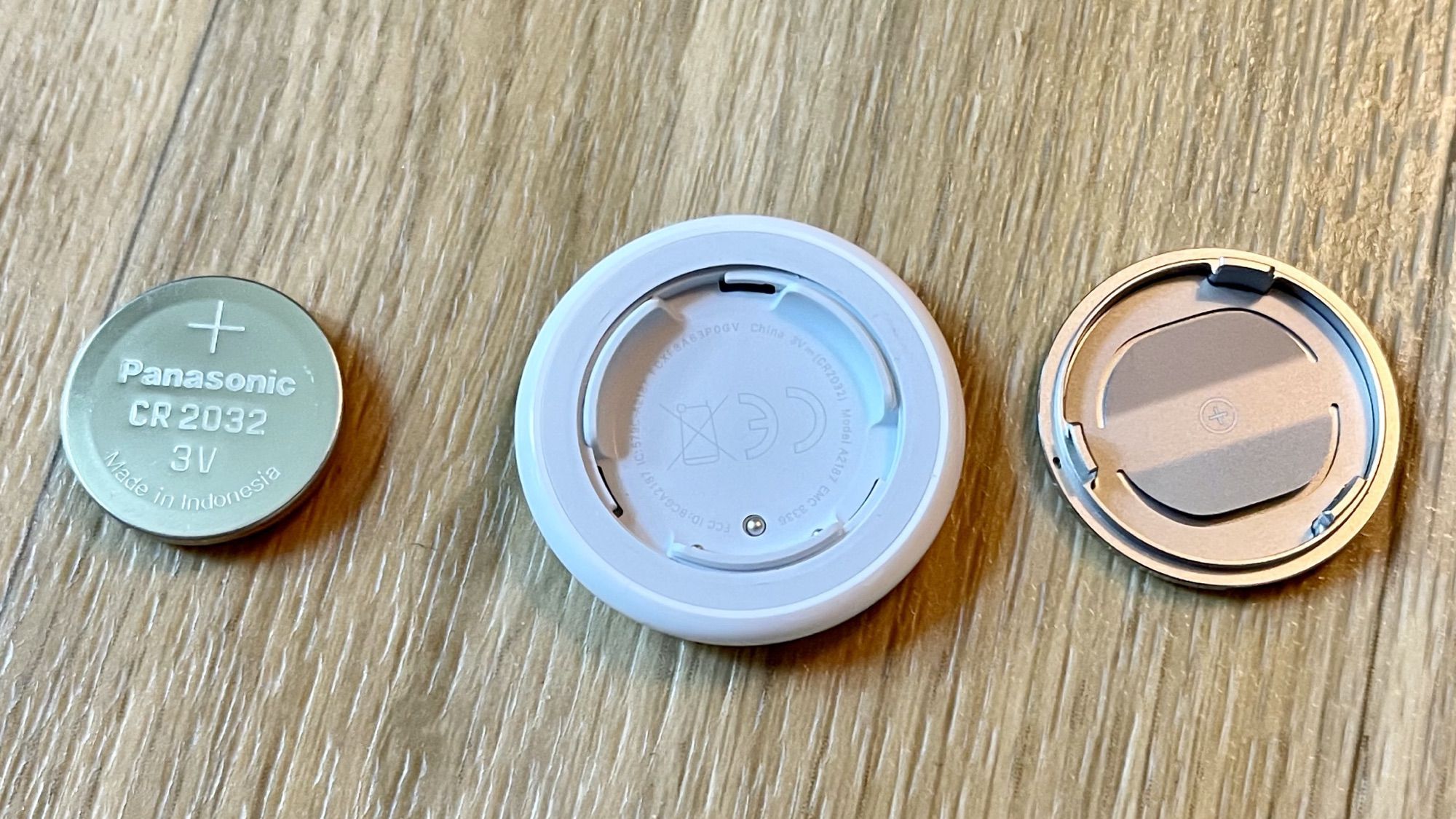
- You need to hear a total of five sounds to ensure that the AirTag is reset.
- After you've finished this process, put the cover on the AirTag back on and then align the three tabs on the cover with the three slots on the AirTag.
- Press down on the cover until there's a sound, and rotate the cover clockwise until it locks in place.
To avoid having to do this tedious physical resetting process, it's best to make sure that the person giving you an AirTag has removed it from their account in the proper way while it's in range of Bluetooth, because that's a far easier process for clearing AirTag ownership to pass it along to someone else.
Popular Stories
Elevation Lab Pulls AirTag Silencer After Stalking Concerns

Apple Responds to iPhone Duo Display Cracking Reports

