
How to Transfer Files Between an Apple Silicon Mac and Another Mac
If you have a newer Apple Silicon Mac and an older Intel Mac lying around, you can connect the two using Sharing Mode, so that the older Mac appears as an external hard disk to your new machine. Sharing Mode on Apple Silicon Mac
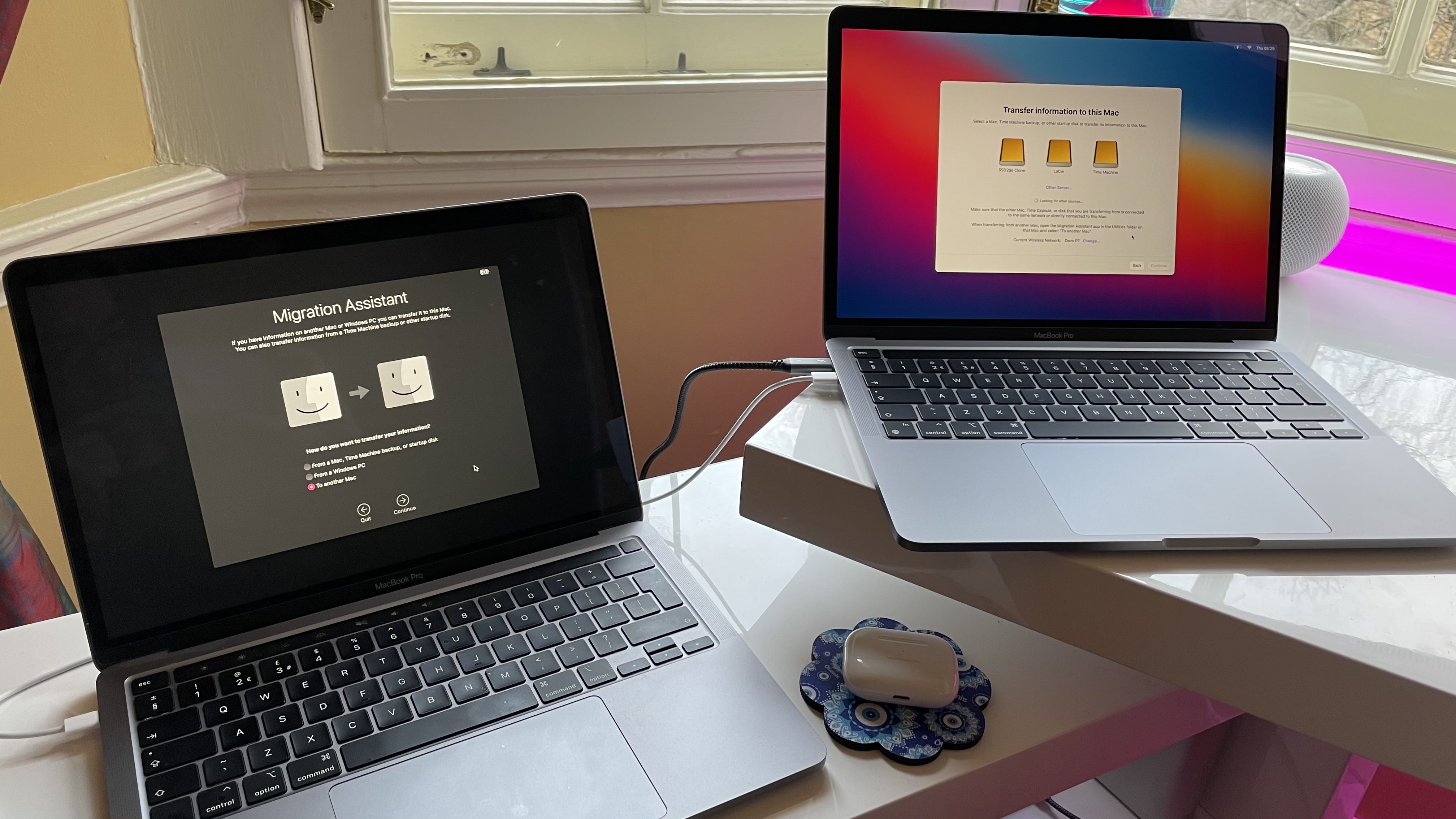
Table of Contents
If you have a newer Apple Silicon Mac and an older Intel Mac lying around, you can connect the two using Sharing Mode, so that the older Mac appears as an external hard disk to your new machine.

Sharing Mode on Apple Silicon Macs replaces the older Target Disk Mode found on Intel Macs, and can be used similarly to transfer data between two Macs. Mac Sharing Mode turns the system into an SMB file sharing server, providing another Mac with file-level access to user data.
Using the method described below will allow you to easily transfer your files across from an older Mac to a new Apple Silicon Mac. Keep reading to learn how it's done.
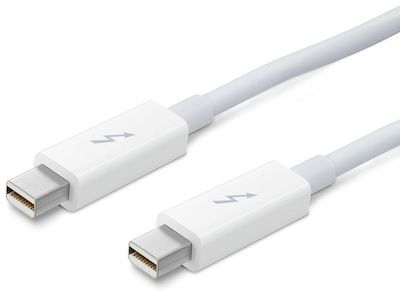
- Connect the two computers using a USB-C or Thunderbolt cable.
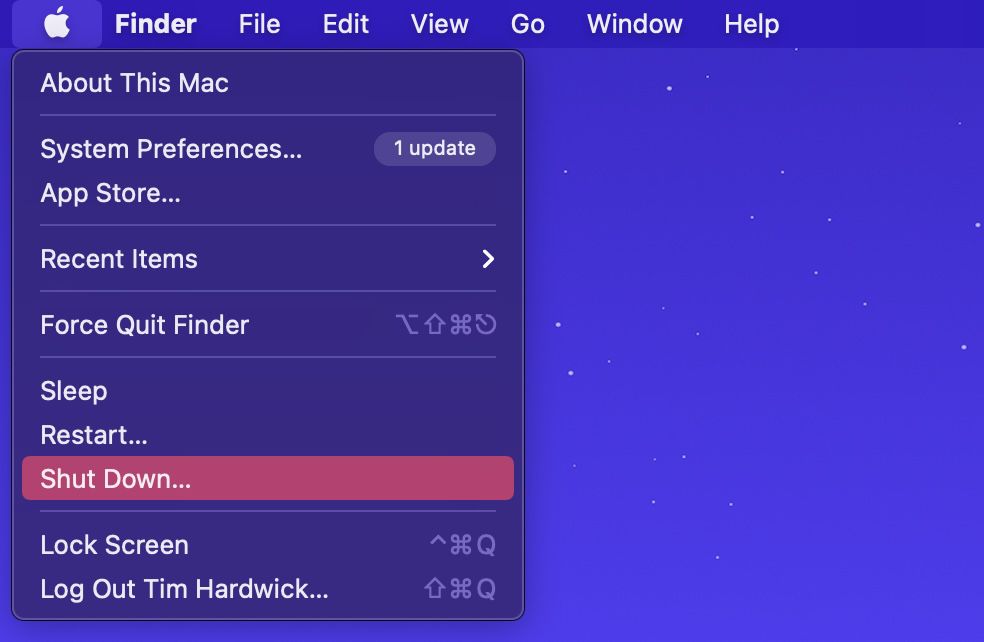
- If the Apple Silicon Mac is powered on, shut it down ( menu -> Shut Down).
- On the same Mac, press and hold the power button until you see a screen offering "Loading startup options."

- Click Options, then click Continue. Enter the password for an administrator account if prompted.
- When your Mac has entered Recovery mode, choose Utilities -> Share Disk from the menu bar.

- Select the disk you want to share with the other Mac, then click Start Sharing.
- On the other Mac, open a Finder window and click Network in the sidebar under "Locations."

- In the Network window, double-click the Mac that has the shared disk, then click Connect As.

- Select Guest in the Connect As window, then click Connect.

- Transfer your files.
- When your files are transferred, eject the disk on the other Mac.
macOS Recovery on Macs with Apple Silicon includes a number of other apps that can help you repair an internal disk, reinstall macOS, restore your files from a Time Machine backup, and more.
Popular Stories

Skyrim Comes to Apple Silicon Macs With New Unofficial Installer

Crackgate? iPhone Duo Owners Report Screens Breaking Along the Hinge
